How to Bypass Activation Lock with iRemove Tools
Instructions for circumventing the Activation Lock during iPhone setup are detailed in this document.
Step 1 | WARNINGS
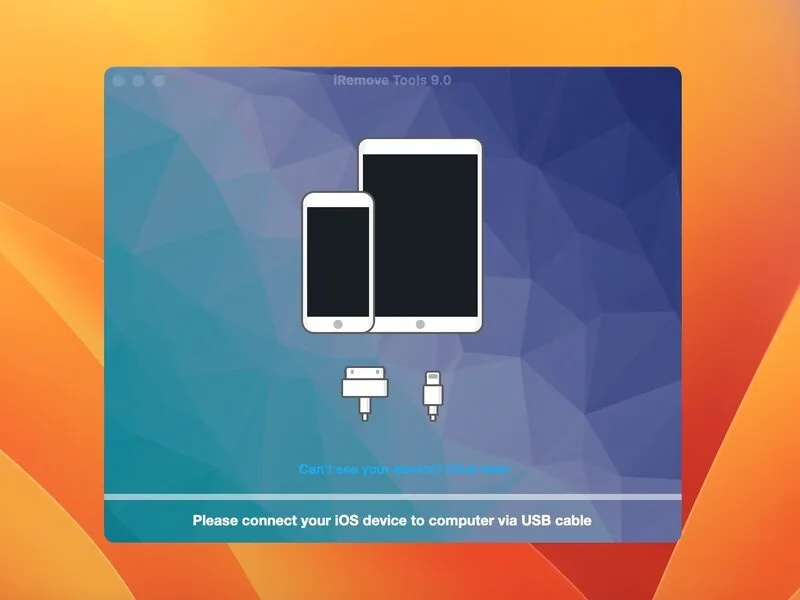
- Prior to commencing any repair work, a critical safety advisory must be observed.
- Attempting to unlock iPhones carries inherent risks of financial loss and device malfunction; this procedure outlines a personal methodology and should be undertaken with full awareness of potential consequences, including irreversible damage to the Baseband, which could necessitate professional repair costing upwards of hundreds of dollars; it is strongly recommended to initially explore the Lockra1n utility as a complimentary alternative.
Step 2 | Background
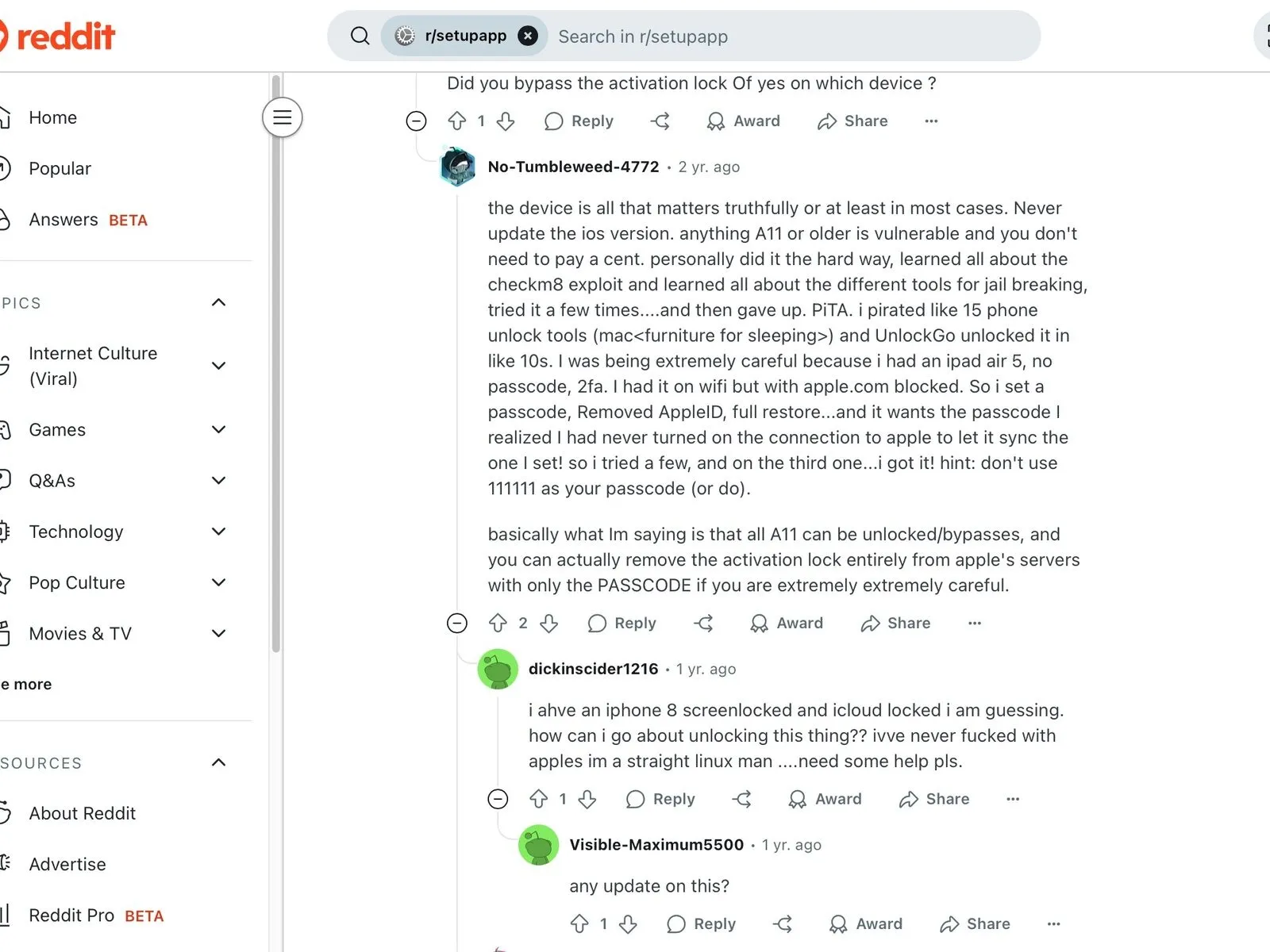
- Activation Lock functionality, implemented by Apple, serves to restrict unauthorized operation on iPhones.
- Successful device operation necessitates activation via a linked Apple account, a security measure incorporated by Apple.Applications purporting to circumvent Activation Lock are fraudulent and should be disregarded.iRemove Tools is the preferred solution, supported by favorable user feedback; initial attempts should involve the Lockra1n free utility.
Step 3 | Downloading the Program
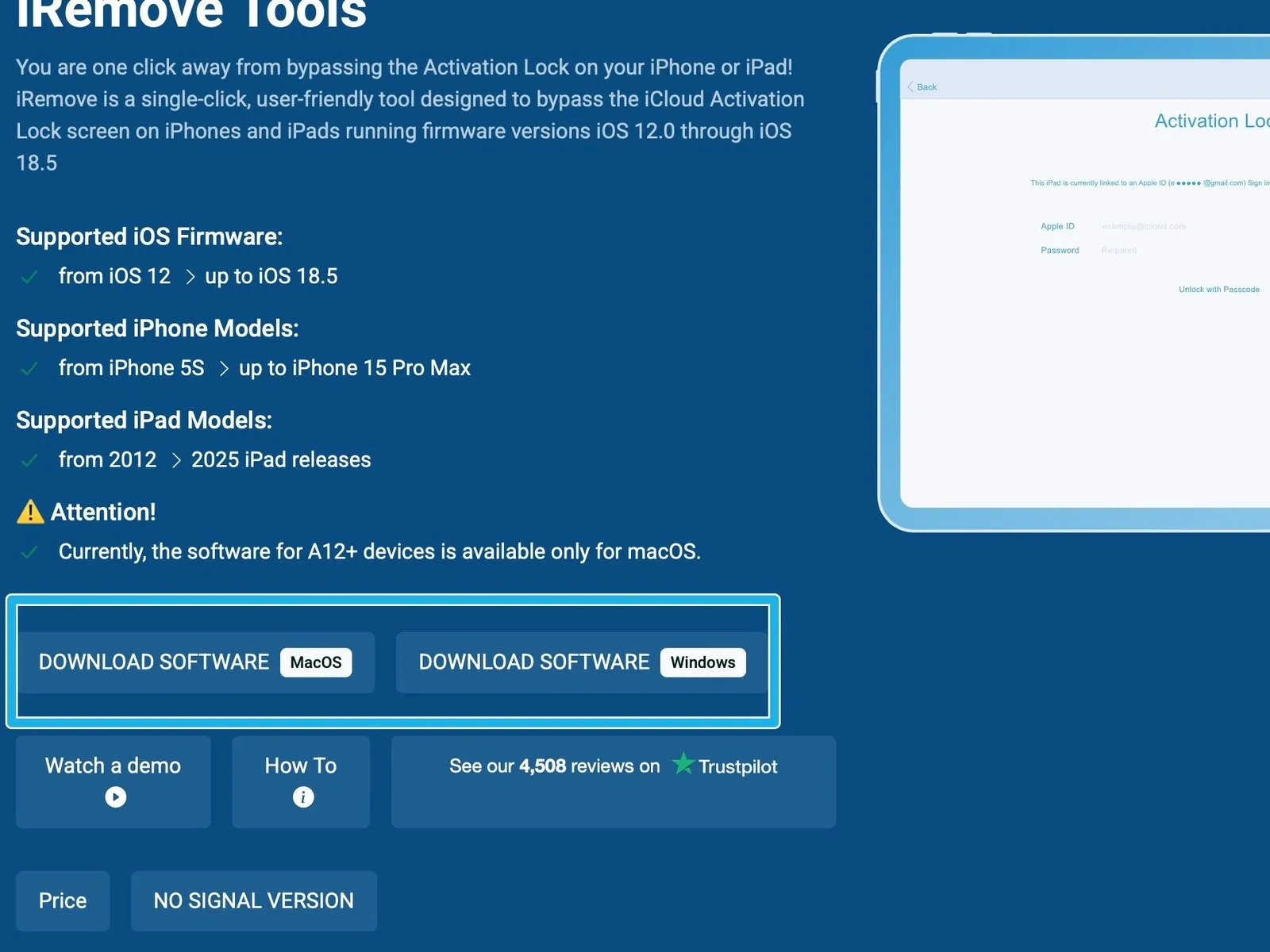
- Acquire the iRemove Tools software package through a download process.
- Compatibility with iRemove Tools extends to both Windows and macOS operating systems; however, functionality may be limited on devices utilizing an A12 processor or subsequent generations, necessitating a visit to the official website for the most recent version, accessible via a distribution platform resembling Mega, WeTransfer, Dropbox, or Google Drive.
Step 4
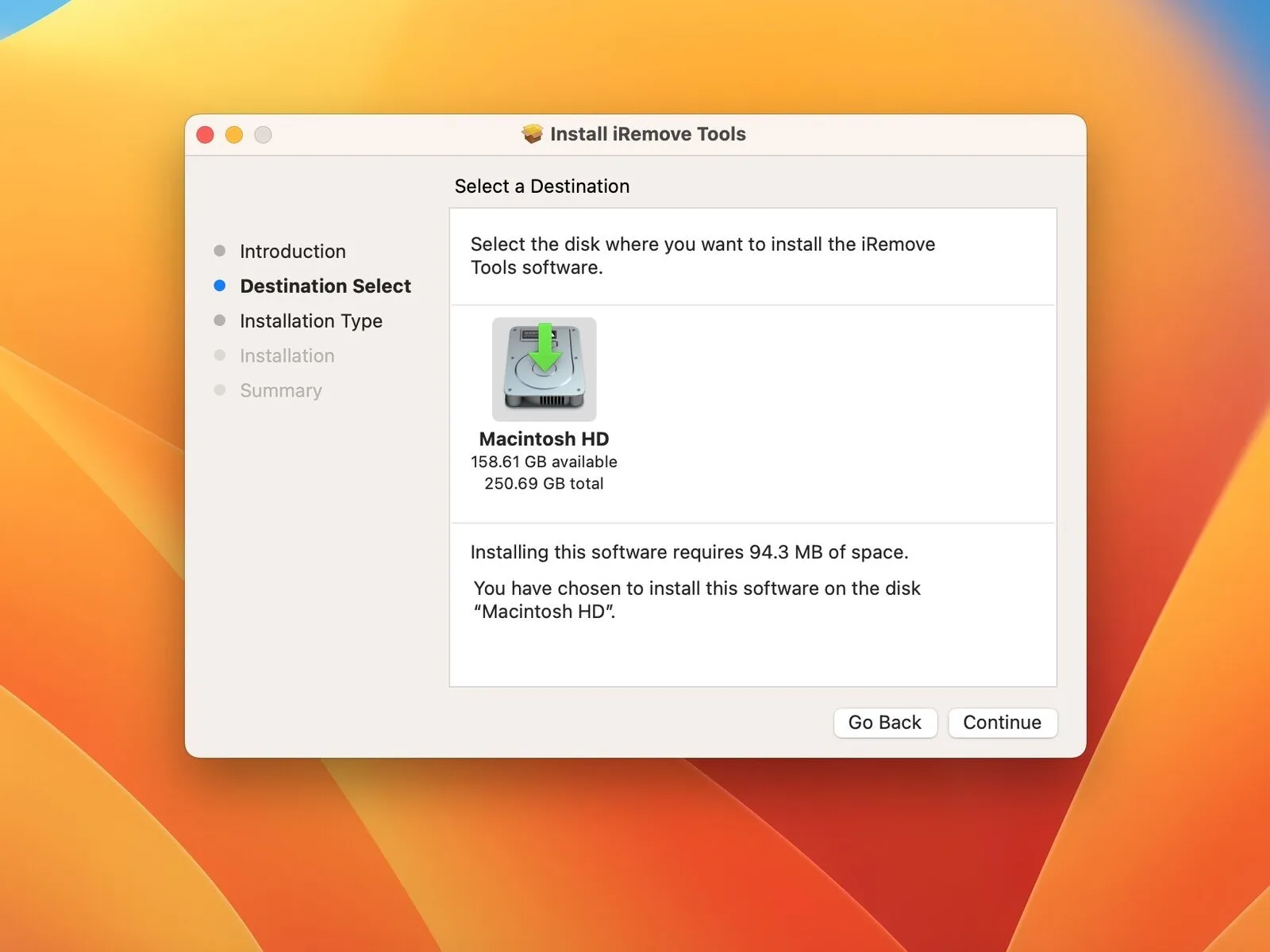
- To begin utilizing the iRemove Tools suite, acquire and set up the software package on a macOS system.
- The necessary software bundle must be obtained and installed on a Mac computer to enable use of the iRemove Tools.
Step 5 | Preparing the iPhone
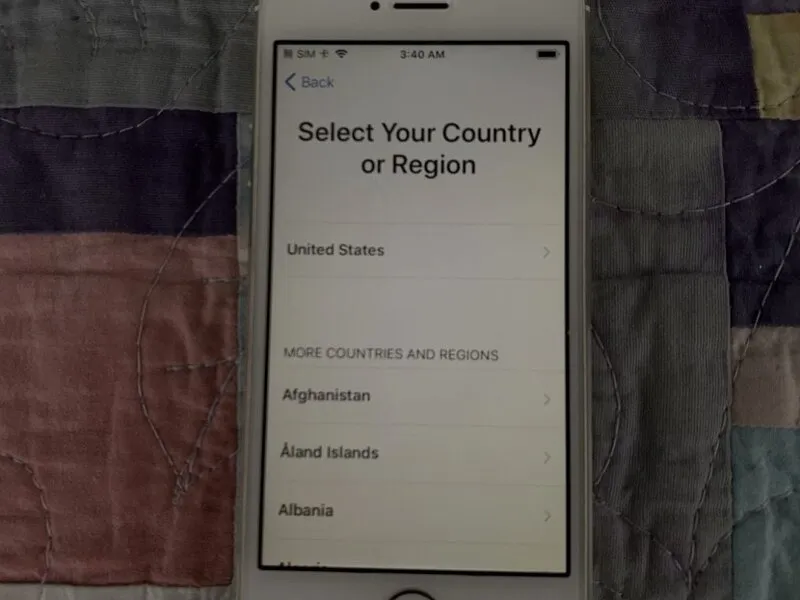
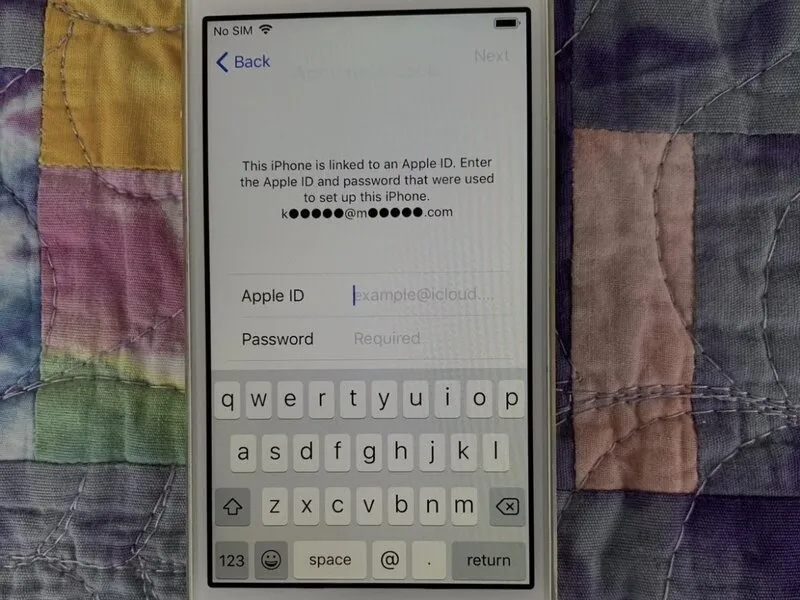
- Following a restoration of the iPhone through iTunes, proceed with the standard setup procedure until the Activation Lock interface appears.
- Establish a connection between the iPhone and your computer, then launch the iRemove Tools application.
Step 6 | Purchasing the Service
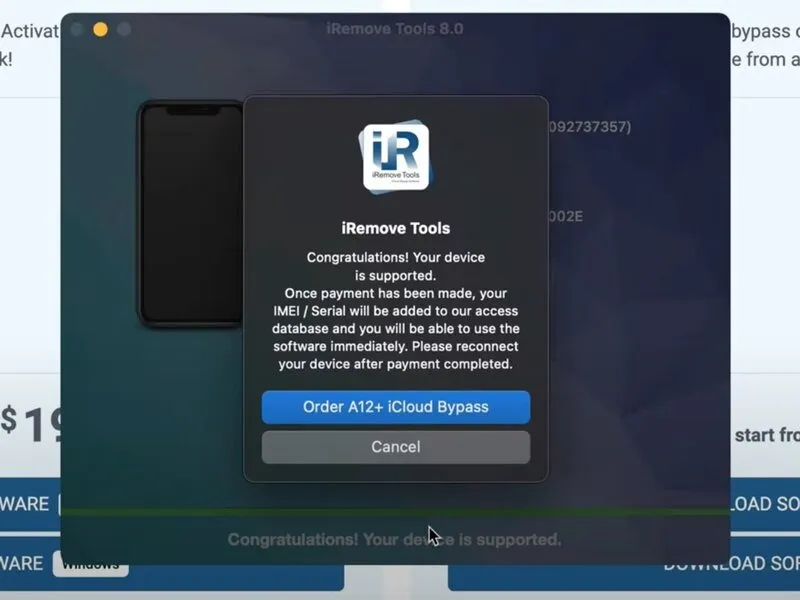
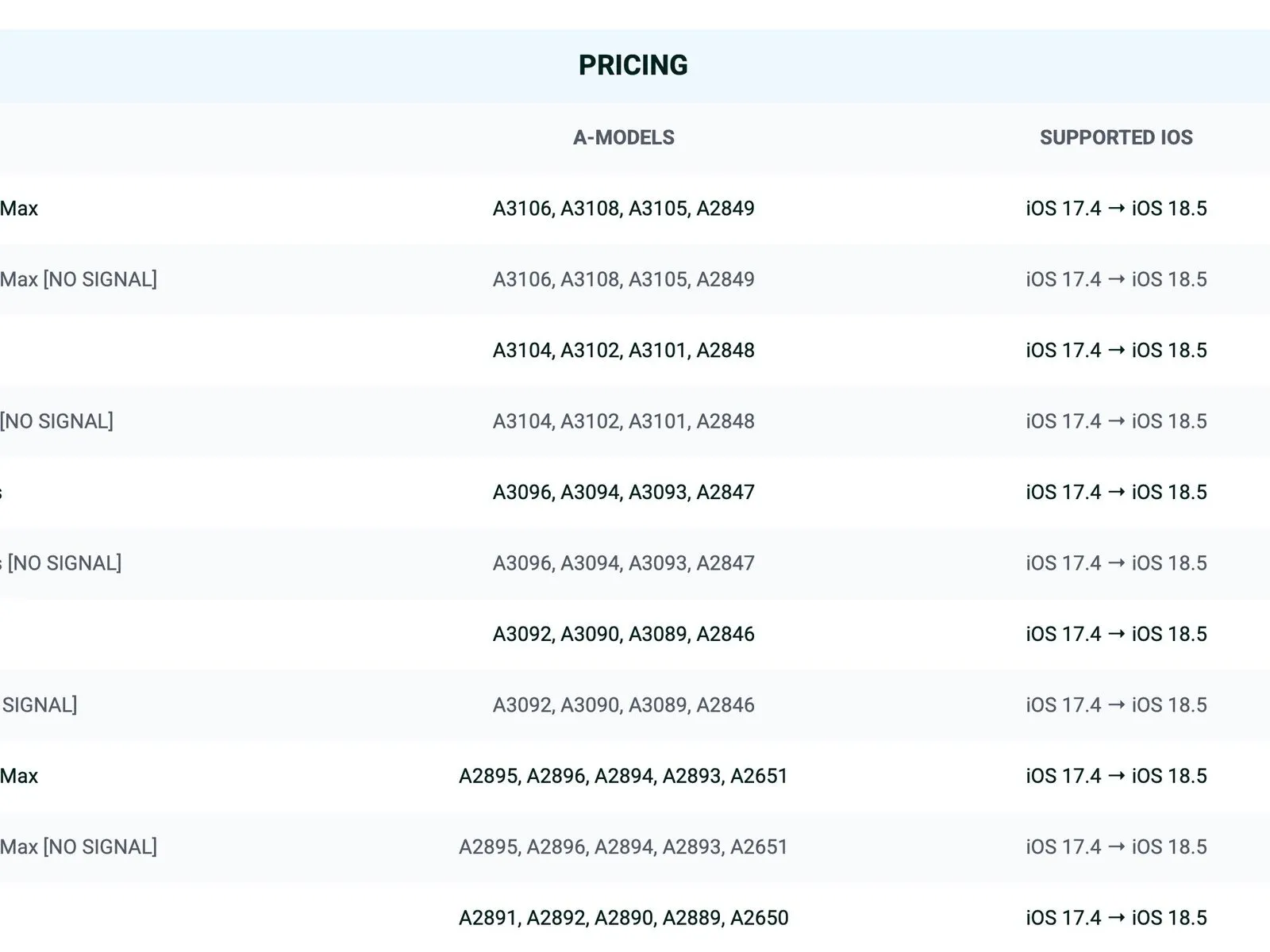
Acquiring the Service subscription offers cost details tailored to various iPhone models; confirm compatibility of your device, as the application will display a notification if it is not supported.
Step 7 | Bypassing the Activation Lock
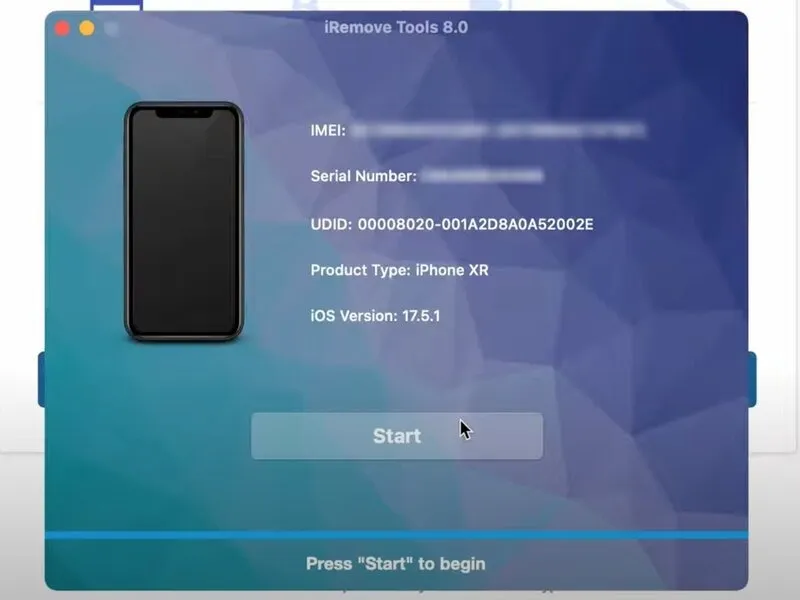
Following service acquisition, navigate back to the application; completion durations fluctuate, potentially extending up to 72 hours.
Initiate the Activation Lock bypass procedure by selecting the 'start' option within the application interface.
Step 8 | Troubleshooting
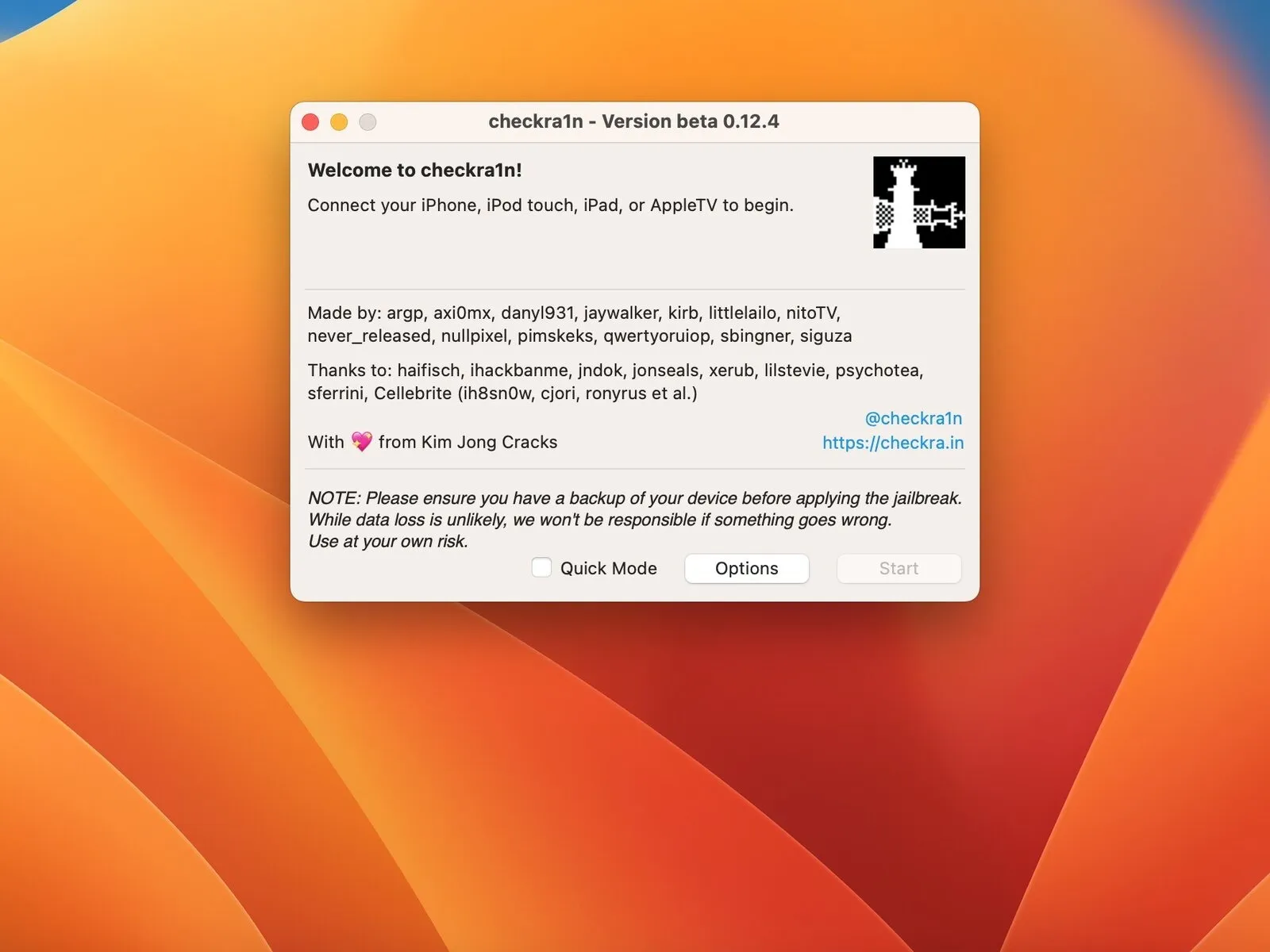
Troubleshooting connectivity issues between the application and the iPhone may necessitate jailbreaking the device, and comprehensive instructions for performing this procedure will be released shortly.
Should the application encounter difficulties establishing communication with the iPhone, a jailbreak procedure may be required; a complete instructional document detailing this process is forthcoming.
Step 9 | Conclusion
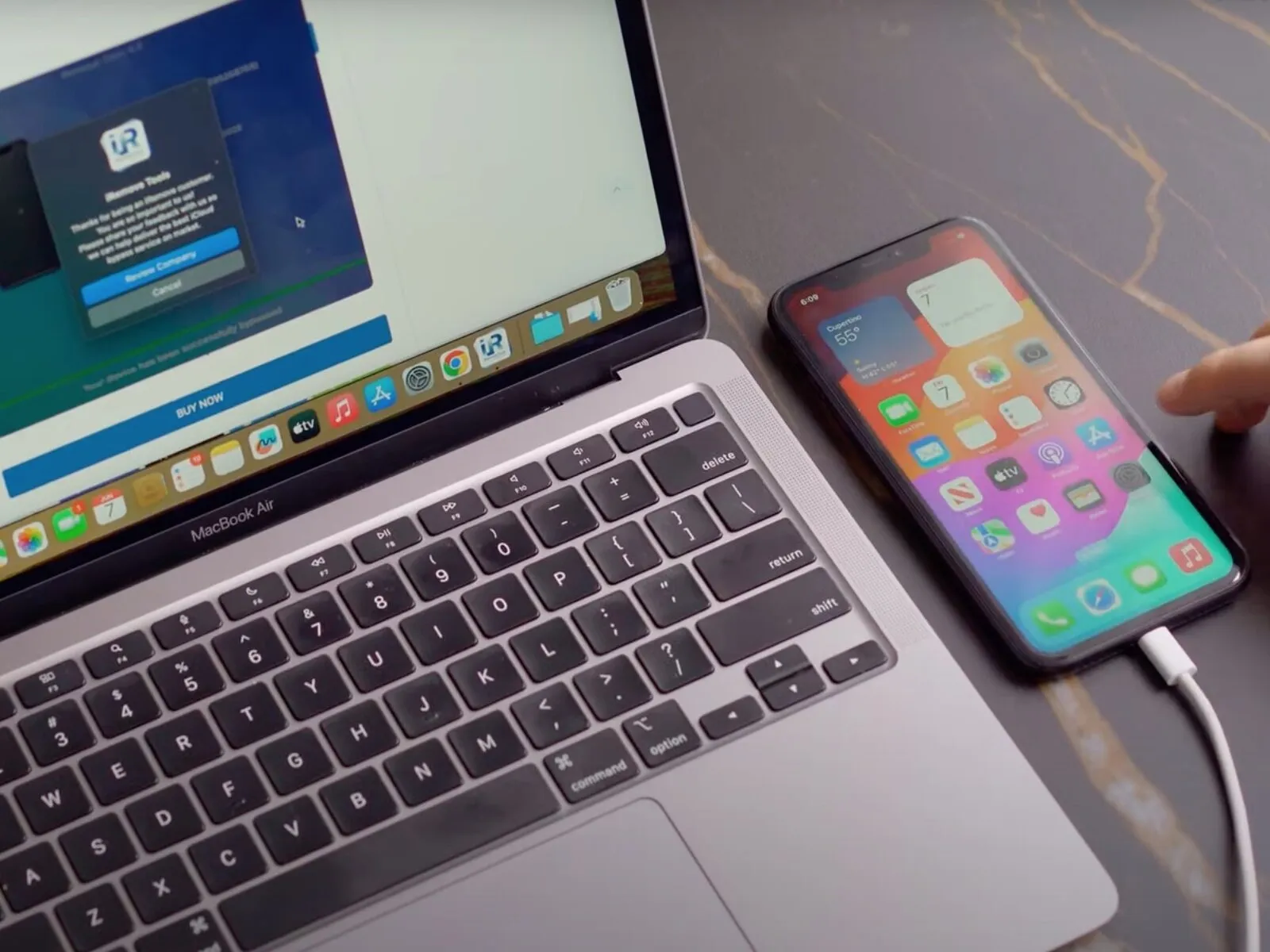
Concluding observations regarding this procedure are presented here.
- My personal experience with this repair process yielded positive results.
- The described method's success rate may vary depending on individual circumstances.
- Complete operational restoration is not assured as a consequence of this service.
- Despite potential limitations, this approach represents a feasible solution for users facing critical issues.