iPhone 11 Pro Max SIM Card Replacement
Employ this instructional document for the purpose of extracting or substituting the physical SIM card from your iPhone 11 Pro Max.The procedures detailed herein are specifically applicable to the tangible SIM card component.The embedded SIM technology, which is integrated directly into the device's circuitry, is not a removable part.This eSIM functionality is based on silicon and is permanently affixed to the iPhone 11 Pro Max's internal components.Attempting to access or modify the eSIM will likely result in irreparable damage to the device.Refer to Apple's official documentation for information regarding eSIM management and activation.This guide is exclusively for the physical SIM card, a small, removable card used for cellular connectivity.
Step 1 | Eject the SIM card tray

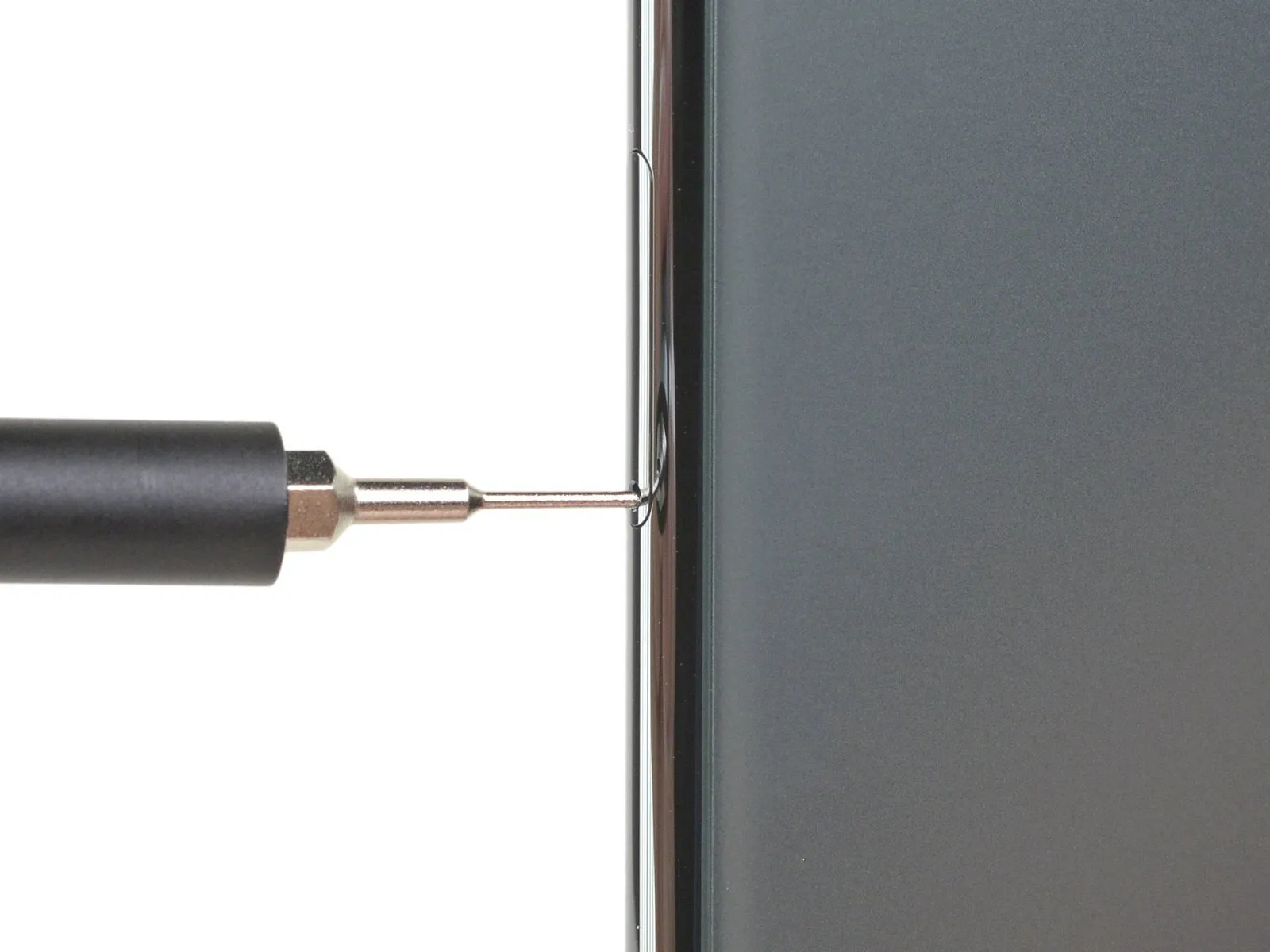

- The tray will protrude slightly, allowing for its removal.
Step 2 | Remove the SIM card tray

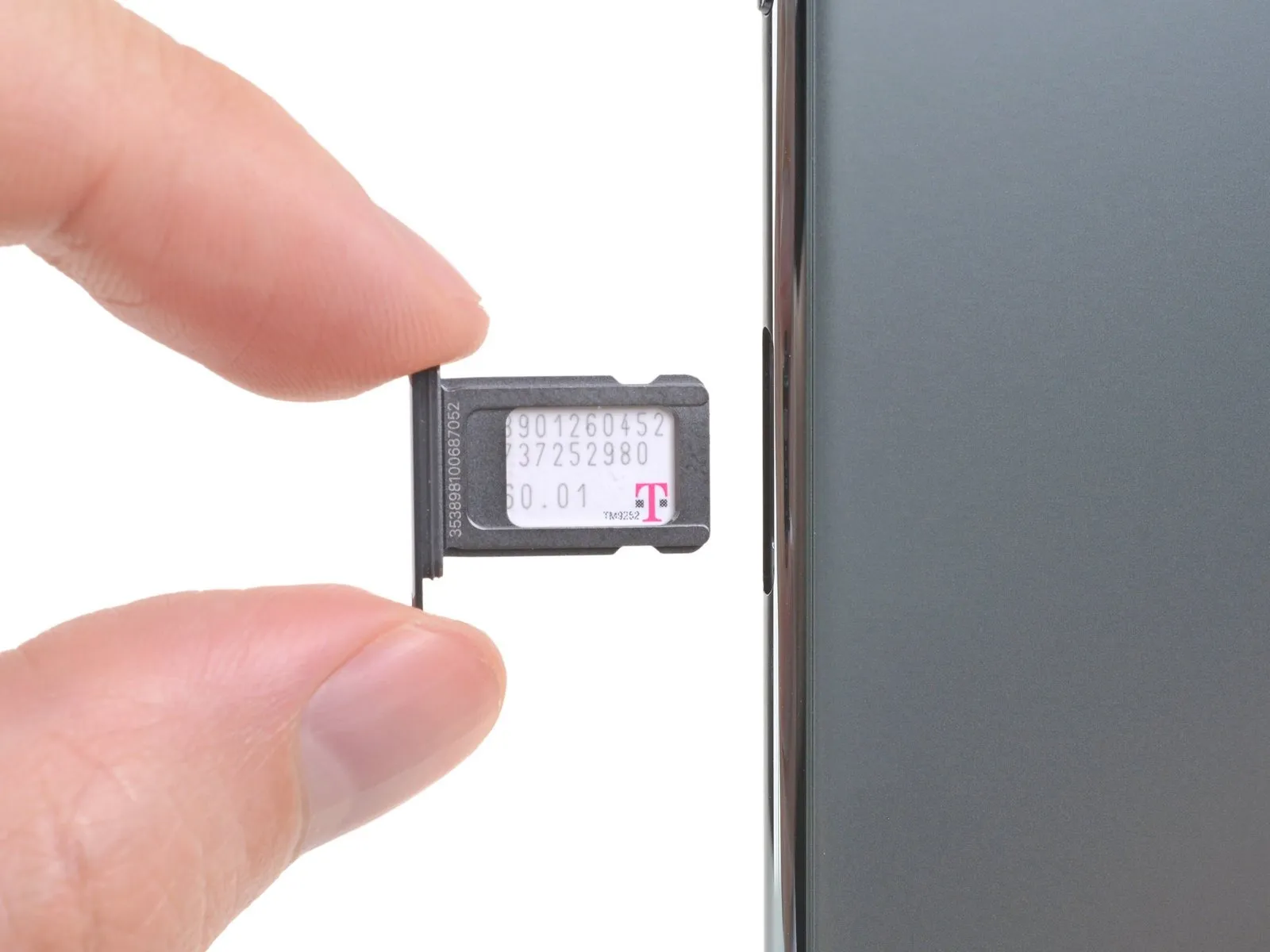

A flexible rubber seal encircles the SIM tray, offering resistance to water and particulate matter.
Should this seal become compromised or absent, replacement of either the seal or the SIM tray is necessary to safeguard the iPhone's internal electronics.
Damage or loss of the gasket necessitates replacement to maintain the iPhone's water and dust resistance.