iPhone 13 mini SIM Card Tray Replacement
This document provides instructions for extracting or substituting the SIM tray and its associated SIM card within an iPhone 13 mini.
- The procedures detailed herein are specifically applicable to the physical SIM card component; the embedded SIM, commonly referred to as an eSIM, is an integrated silicon element and is not designed for removal.eSIM represents a digitally stored SIM card functionality.Attempting to extract the eSIM will result in device damage.
Step 1 | Insert a SIM card eject tool
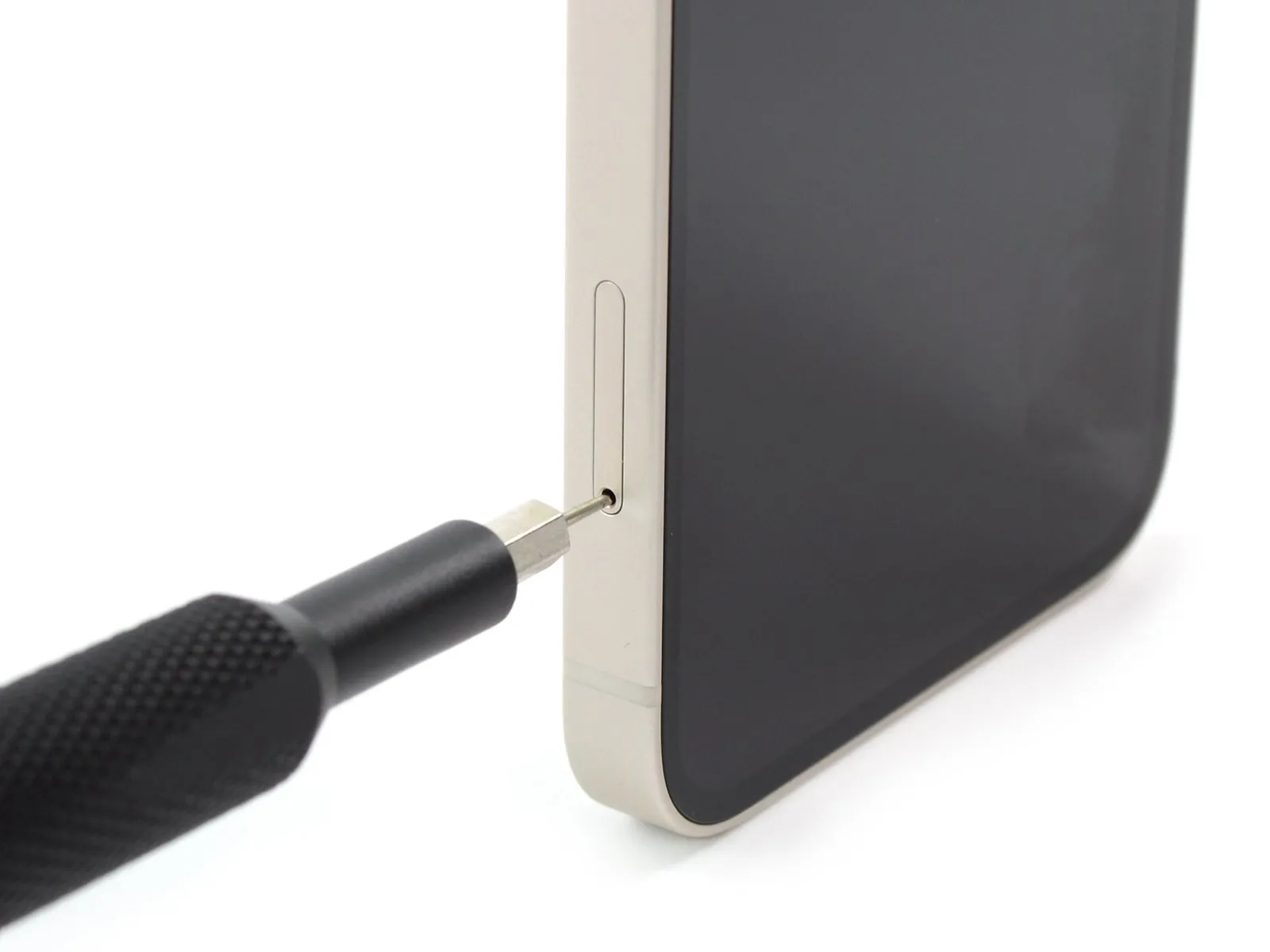


- To release the SIM card, utilize a SIM card eject tool, or a straightened paperclip, and insert it into the aperture situated near the lower-left side of the iPhone's SIM card tray.Apply consistent pressure to the tool to disengage and extract the SIM card tray.The SIM card should detach effortlessly from the tray once it's fully extended.
Ensure correct alignment of the SIM card within the tray prior to reinsertion.
A flexible rubber seal encircles the SIM tray, offering protection against water and particulate matter. - Should this seal become compromised or be absent, a replacement is necessary.
Replacing either the rubber gasket alone, or the entire SIM tray assembly, is crucial for safeguarding the iPhone's internal electronics.The SIM tray is a delicate component; handle it with care to avoid damage.Proper SIM card orientation is vital for reliable cellular connectivity.The eject tool is designed to fit precisely into the SIM tray release mechanism.Failure to replace a damaged gasket may result in water ingress and subsequent device failure.