iPhone 14 Plus SIM Card Replacement
Employ this document as instructions for extracting or substituting the SIM card within an iPhone 14 Plus.
- These procedures are specifically applicable to the physical SIM card and the A2886 model, which is designed for international use.
- The integrated SIM technology, referred to as an eSIM, is constructed from silicon and lacks the ability to be physically removed.Unlike traditional SIM cards, the eSIM is permanently integrated into the device's circuitry.Please note that attempts to extract the eSIM will result in damage to the device, as it is not a removable component.
Step 1 | Eject the SIM card tray


Begin the process by utilizing a SIM card eject tool.Position the tool's tip within the aperture situated on the SIM card tray's exterior.This tray is conveniently located along the iPhone's edge, near the volume control buttons.Apply consistent pressure to the tool, facilitating the tray's release.
- The tray will disengage from its housing when sufficient force is applied.
Step 2 | Remove the SIM card tray
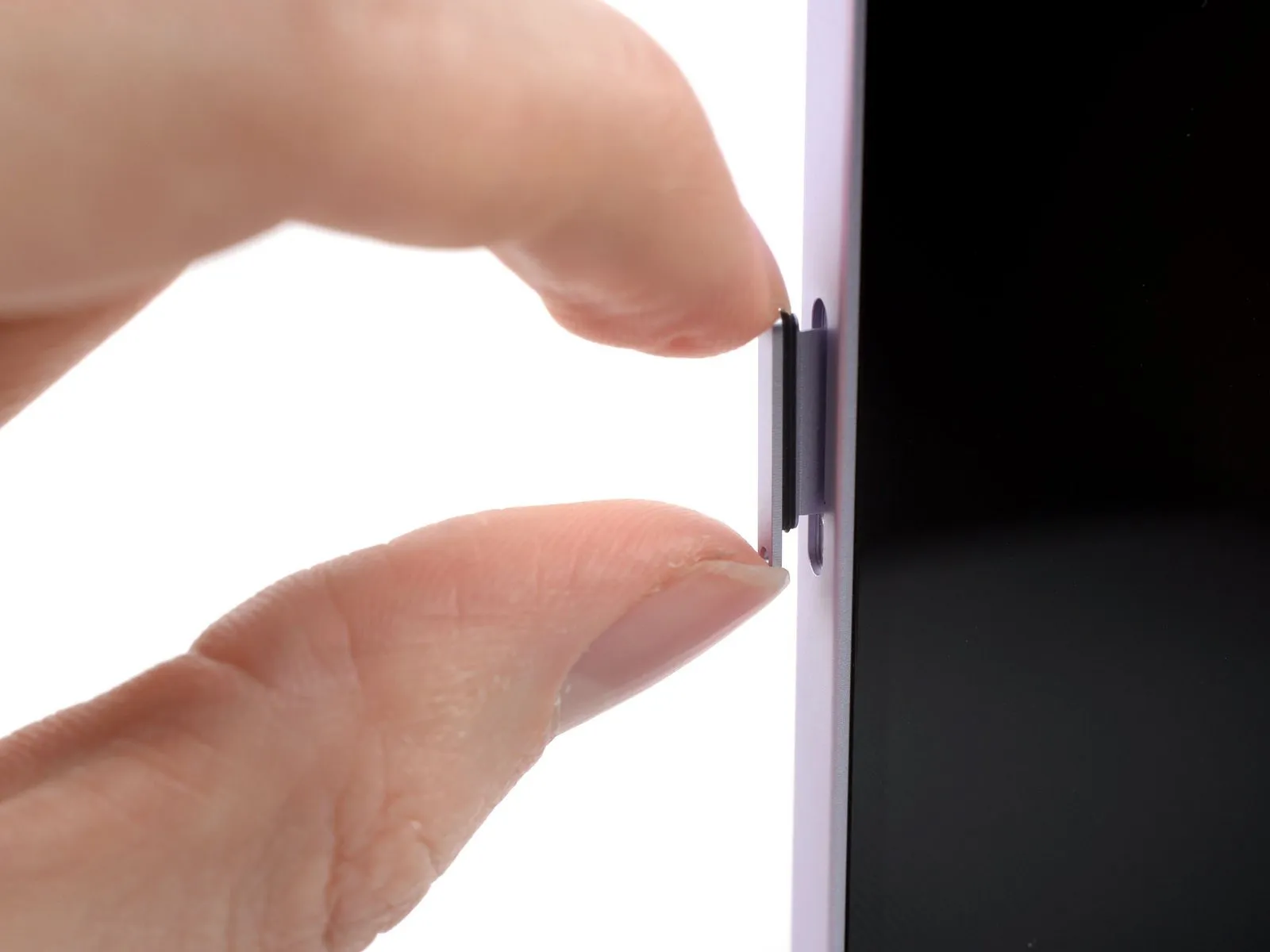
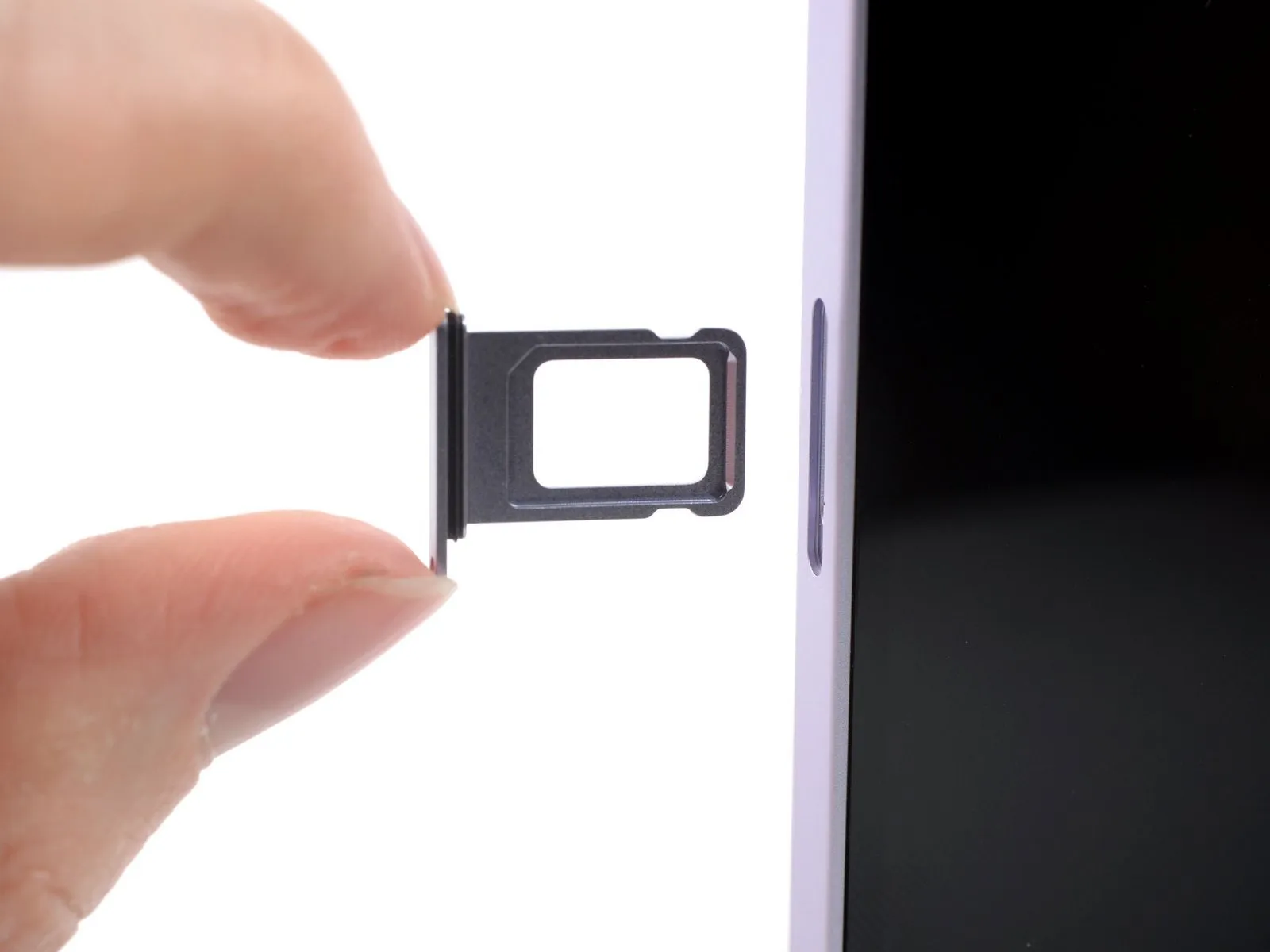
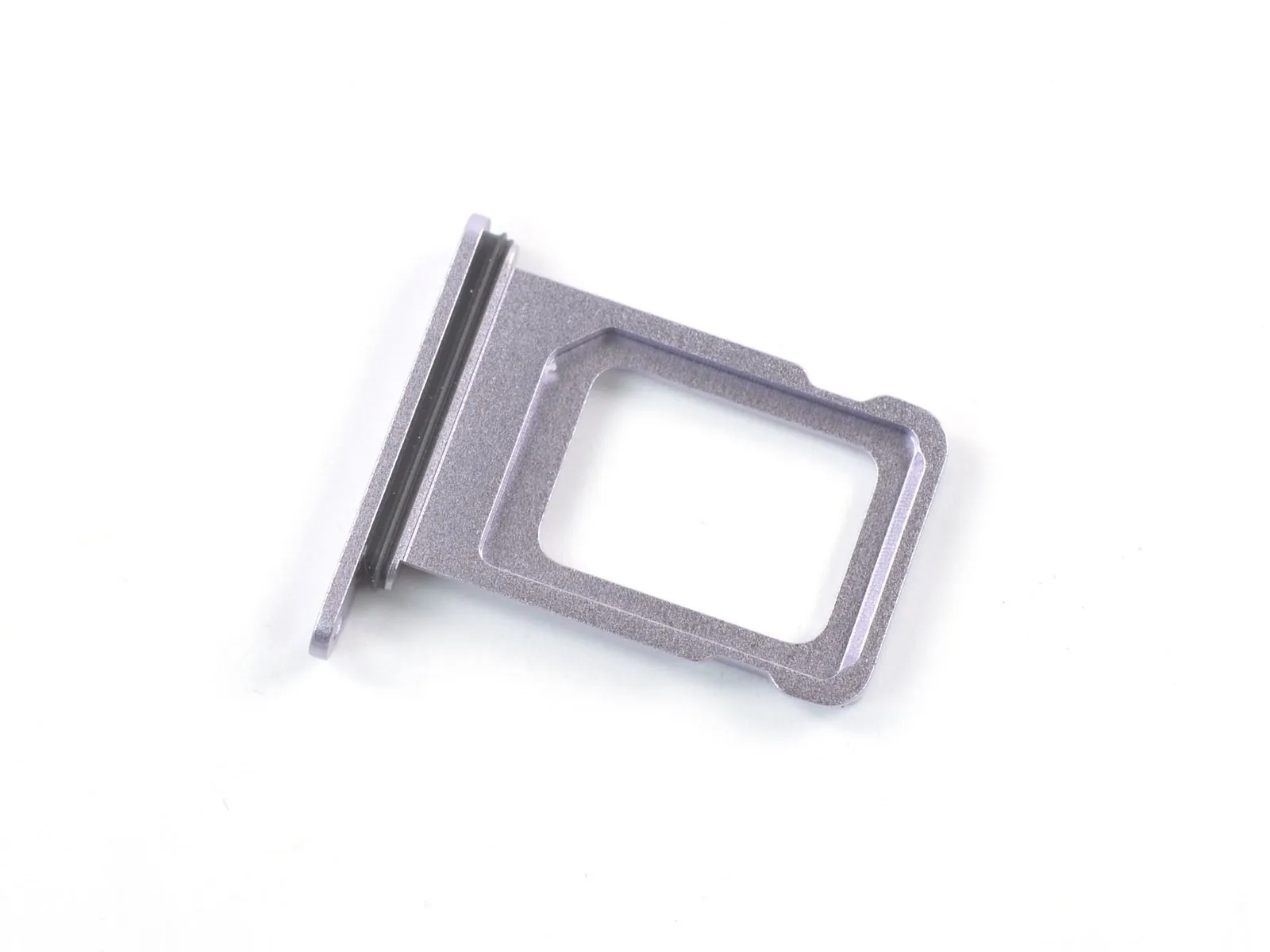
Proceed to step 2 by extracting the SIM card tray.Ensure correct SIM card placement within the tray during reinsertion.The SIM card tray incorporates a delicate rubber seal designed for environmental protection.Damage or absence of this seal compromises the iPhone's resistance to water and dust.
- To maintain the iPhone's integrity, substitute the seal or the SIM tray assembly if compromised.
- Replacement is crucial to safeguard the internal components from environmental ingress.