Force restart Iphone 15 Pro Max
When an iPhone exhibits unresponsiveness and standard power cycling procedures are unavailable, initiating a forced restart is recommended.A forced restart can be implemented to resolve software-related issues preventing normal operation.This procedure bypasses the conventional shutdown sequence to refresh the device's operating system.
Step 1 | Force restart Iphone 15 Pro Max
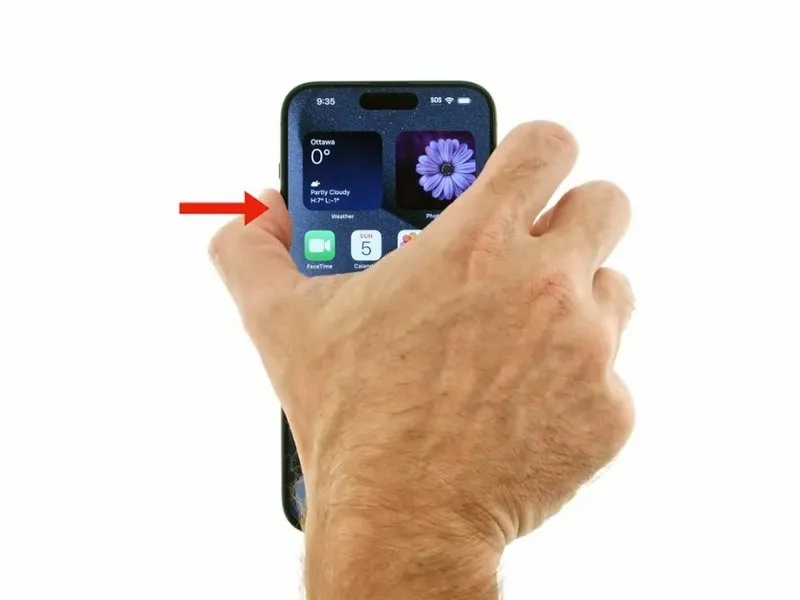
- Briefly depress and then release the volume up control to initiate the intended function.The volume up button must be activated with a rapid press-and-release motion.
Step 2

- To momentarily activate the function, depress the button designated for decreasing volume and then immediately lift your finger.The button used to lower the audio level is referred to as the 'volume down button'.
Step 3

- Maintain continuous pressure on the lateral button.The Apple logo will become visible upon sustained button activation.This action initiates the device's startup sequence.Consistent contact with the side button is required to display the Apple logo.