OBSOLETE - Battery Bulge Inspection
Please be aware that as of July 2, 2023, and referencing archived versions, the author will no longer provide updates to this guide. It was originally created for the iPhone 4, a model that has been incompatible with US cellular networks for over a decade due to the absence of 4G and VoLTE capabilities. While the principles described might be adaptable to other devices, significant variations are common, making successful application unlikely. Furthermore, be mindful of potentially high repair costs, as replacement parts can sometimes equal or exceed the value of the entire device.
To assess whether your iPhone 4's battery has expanded due to age, observe the device for visual signs without disassembling it.
Step 1 | Check for power on a iPod dock
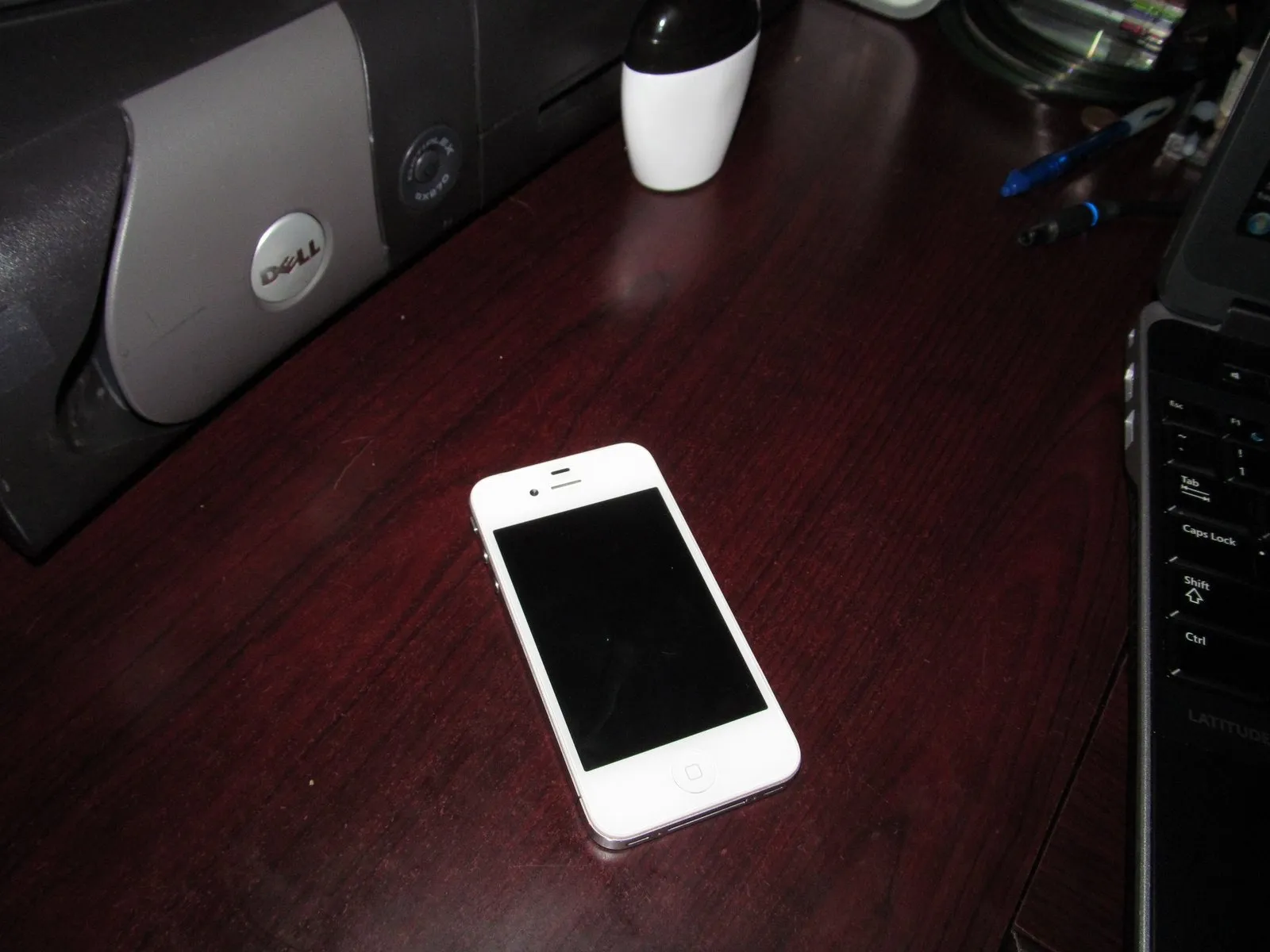
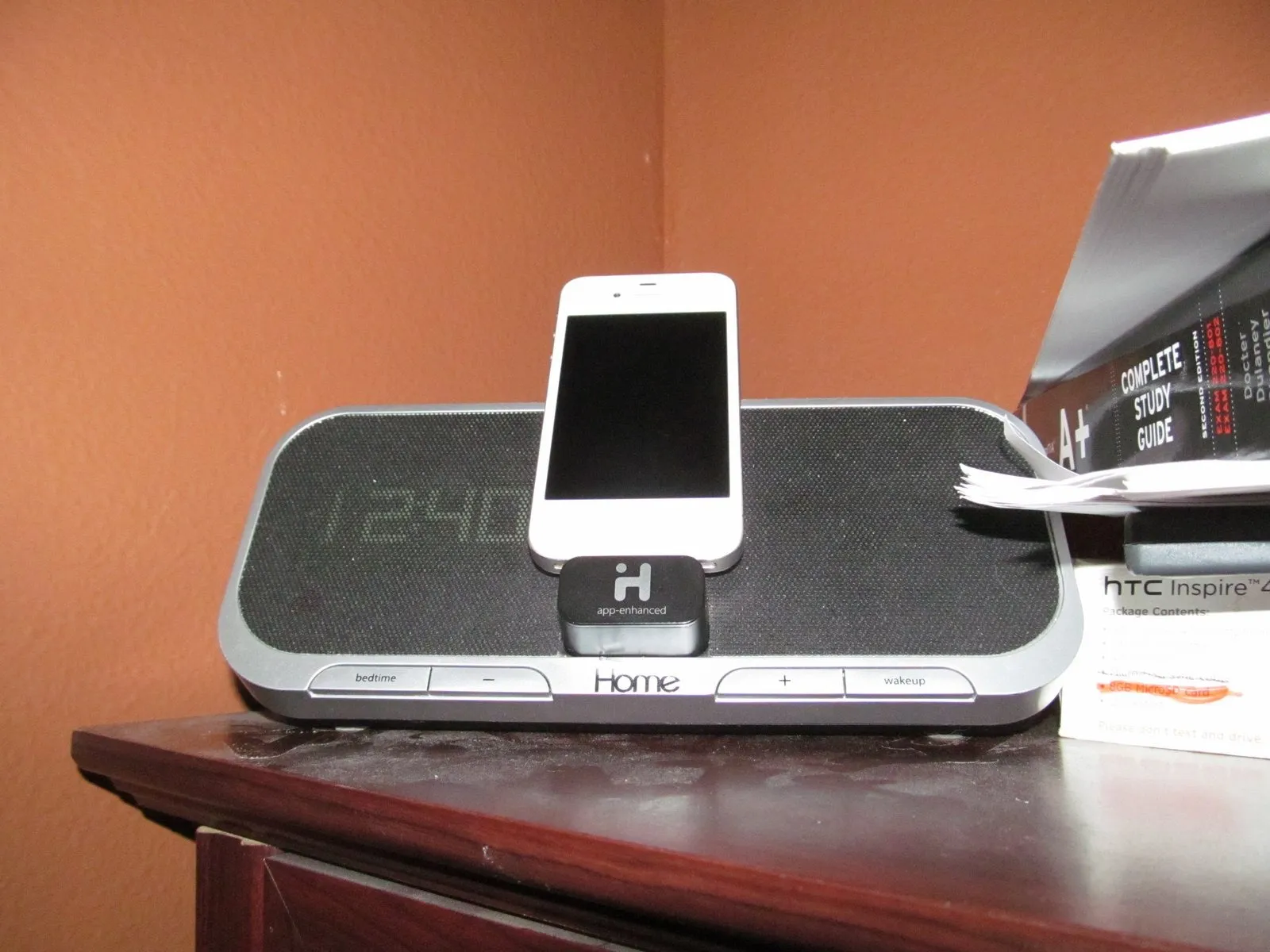
Connect the iPhone using the 30-pin cable to a suitable iPod dock or power adapter; allow a brief period to observe if the device powers on. Should the phone fail to activate within a reasonable timeframe, monitor it closely. Persistent issues necessitate a more detailed examination.
A swollen battery, indicated by a noticeable bulging or distortion of the device's casing, presents an explosion hazard; immediately discontinue any further testing and replace the battery. Proceeding with operation carries a risk of catastrophic device failure.
A swollen battery, indicated by a noticeable bulging or distortion of the device's casing, presents an explosion hazard; immediately discontinue any further testing and replace the battery. Proceeding with operation carries a risk of catastrophic device failure.
Step 2 | Try resetting your phone
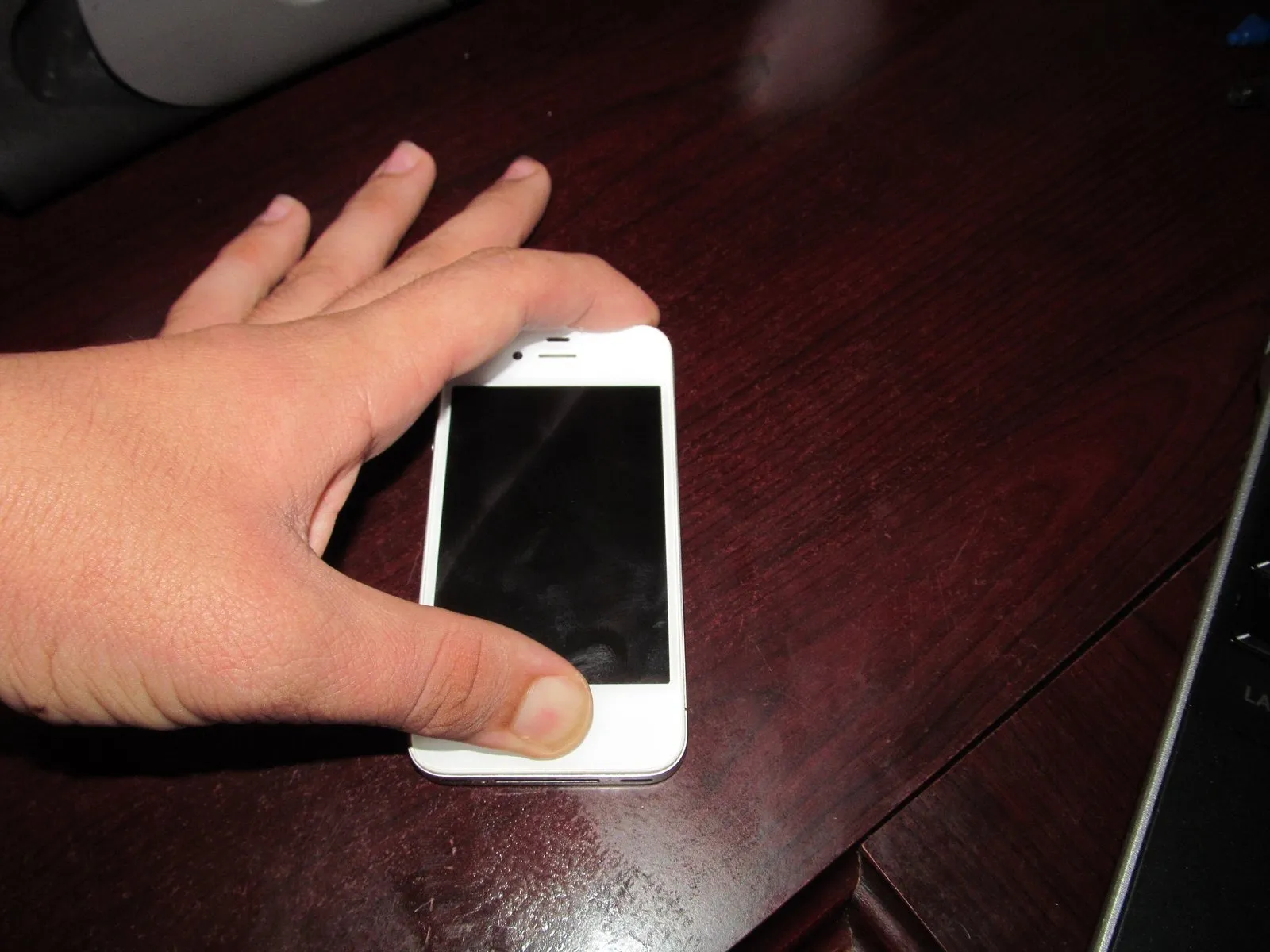
Attempt a system reset by simultaneously pressing and maintaining pressure on both the power button and the home button for approximately 30 seconds.
Step 3 | Check with a computer
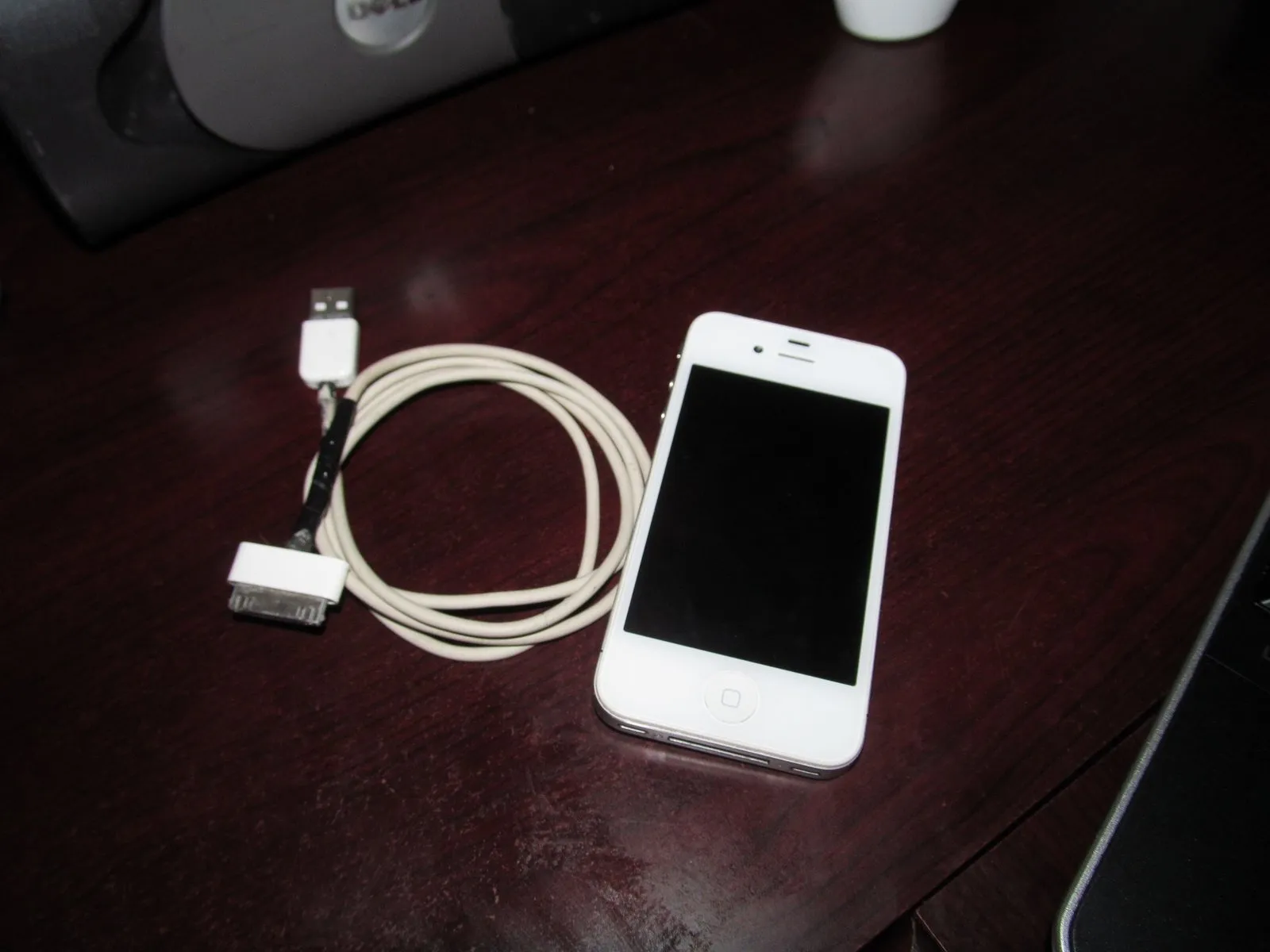
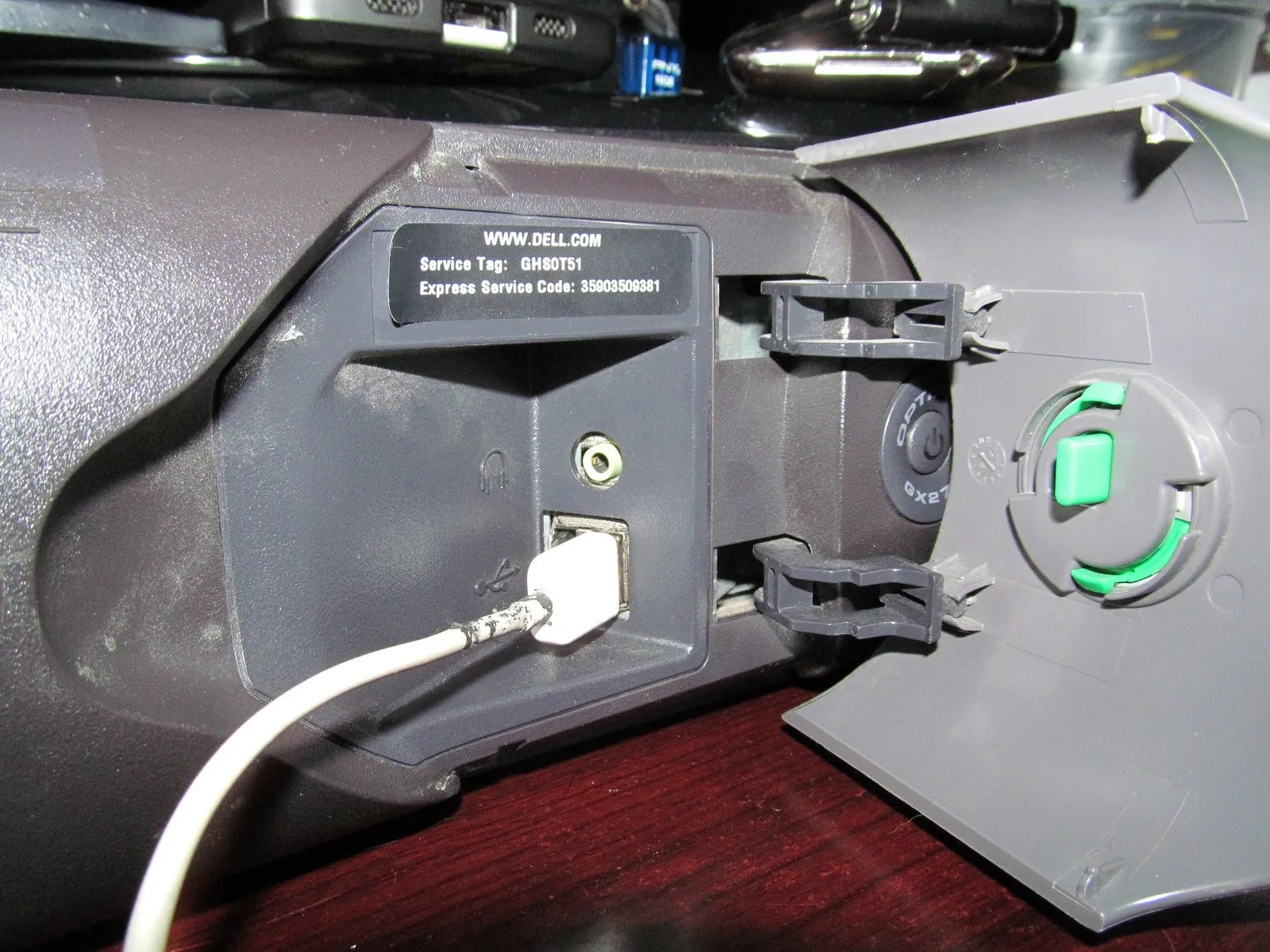
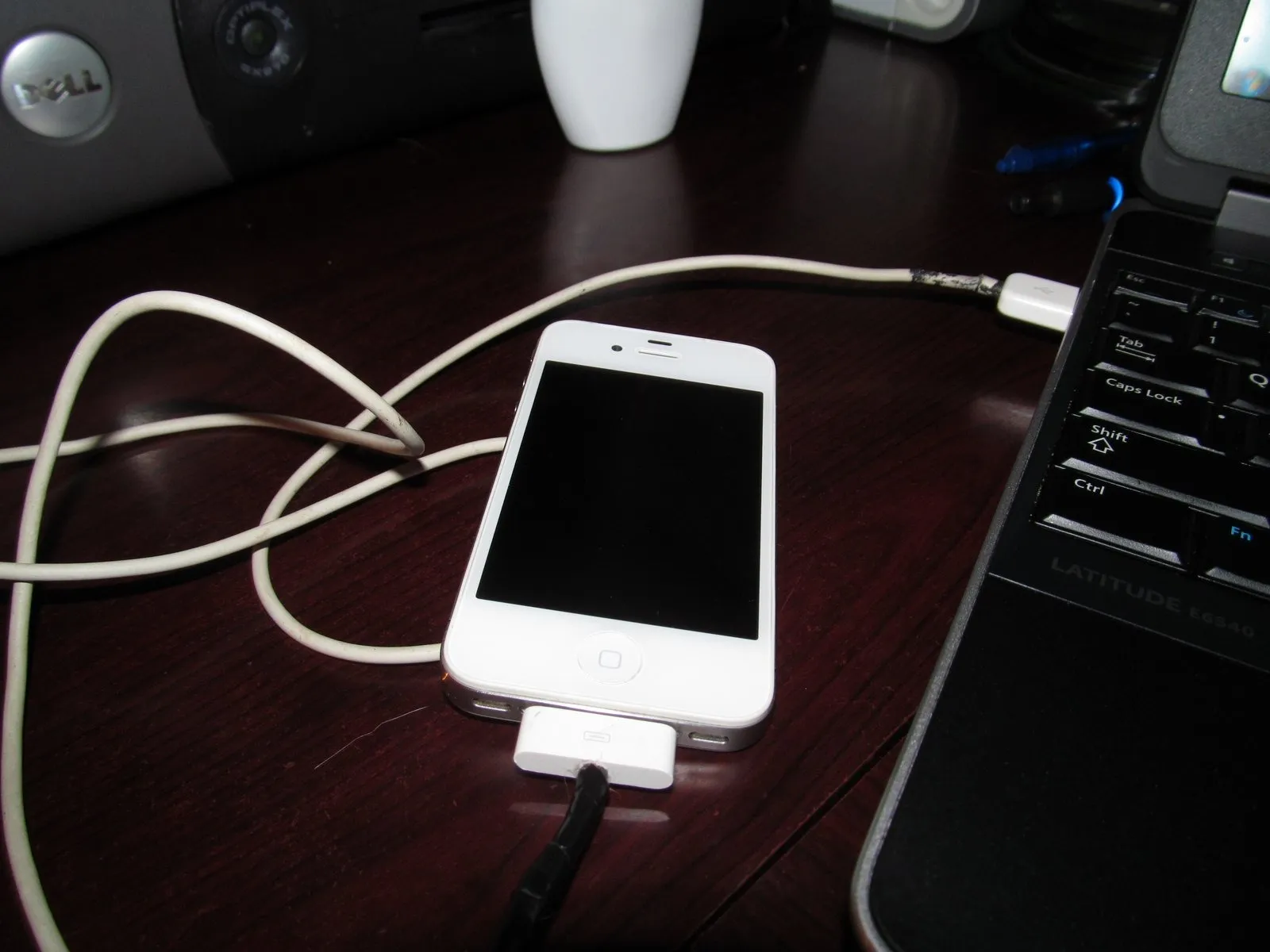
Connect the phone to a computer to observe its behavior; if it functions correctly when connected to a computer but fails to respond to a charger, the battery has likely reached its end-of-life. Subsequently, visually inspect the battery for any signs of swelling or bulging.
Step 4 | The table test
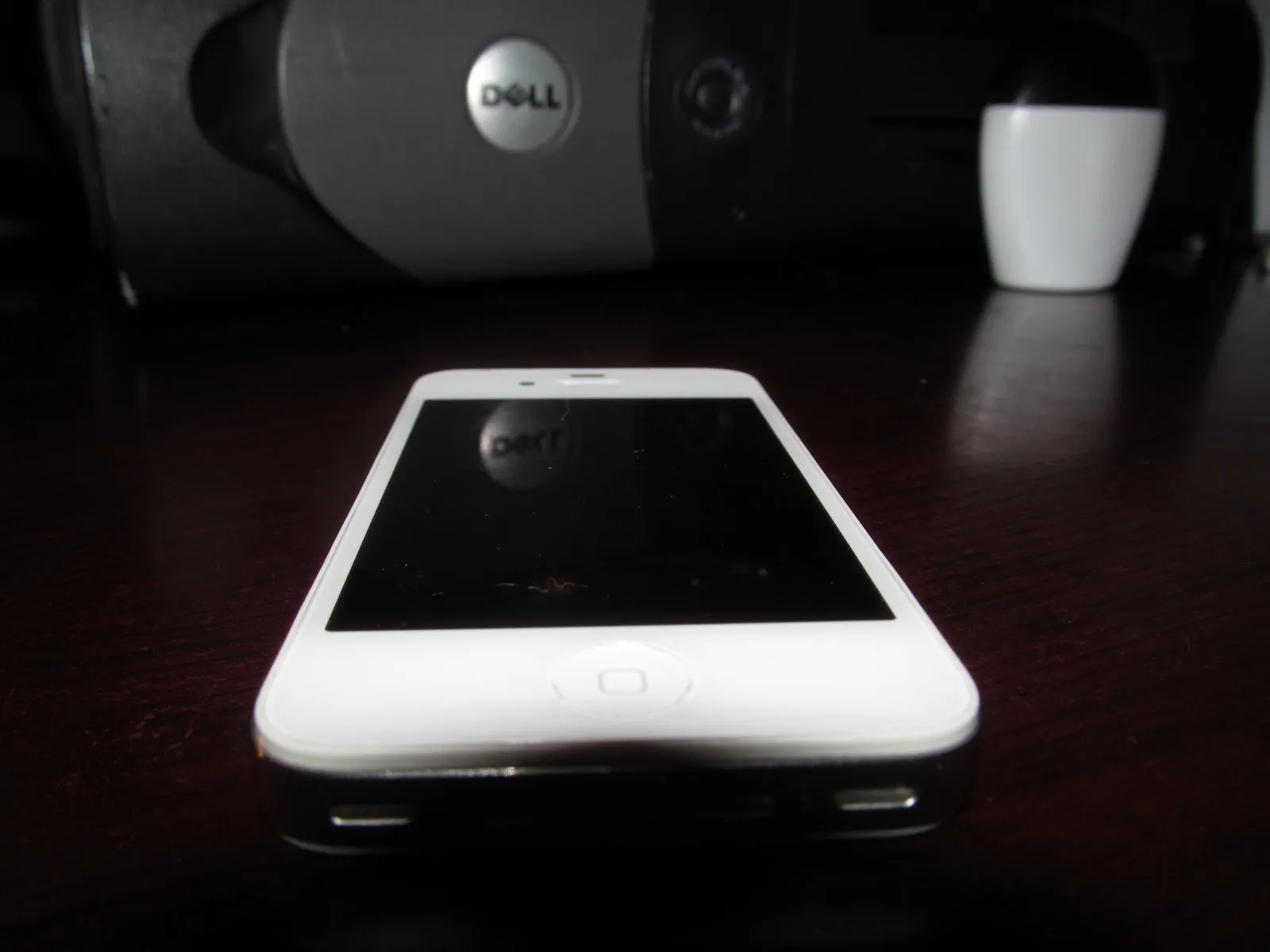
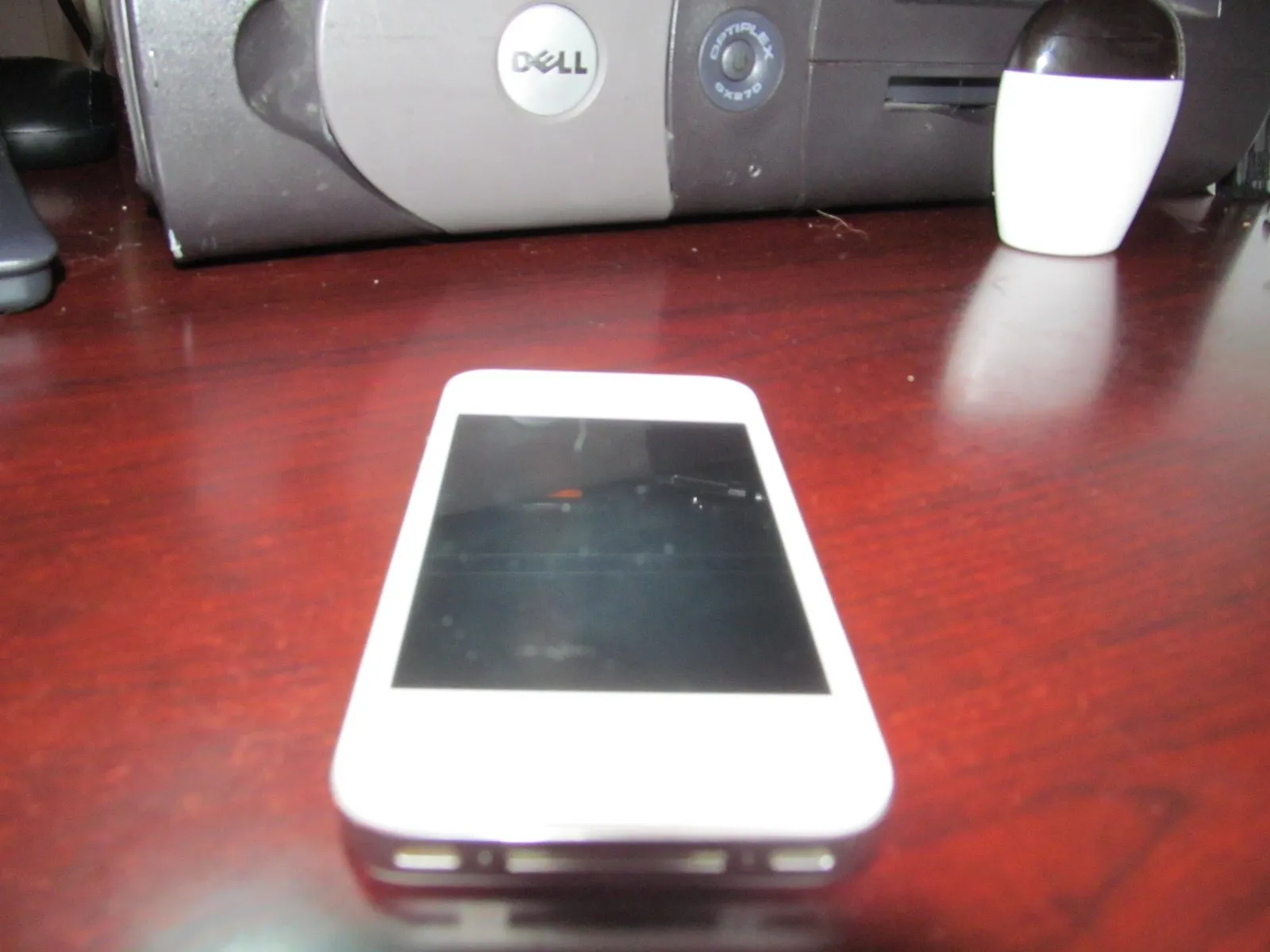
Position the device on a level surface and carefully inspect the display for any protrusions; a noticeable bulge often indicates a battery replacement is necessary. Given the battery's location on the right-hand side of the phone, concentrate your visual examination in that area, as subtle irregularities can be easily overlooked without experience or a close look.
To assess battery condition, gently rotate the device on a flat surface; a noticeable wobble or failure to rapidly stabilize indicates a likely battery bulge. While minor protrusions can create instability, they may not always be evident as a spin or visible distortion on the LCD screen.
To assess battery condition, gently rotate the device on a flat surface; a noticeable wobble or failure to rapidly stabilize indicates a likely battery bulge. While minor protrusions can create instability, they may not always be evident as a spin or visible distortion on the LCD screen.
Step 5 | Spin the phone
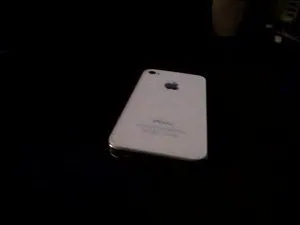
Place the device on a flat, stable surface and observe its behavior; any rotation indicates a swollen battery.
While a slight bulge might prevent rotation, larger deformations will still allow the part to spin.
While a slight bulge might prevent rotation, larger deformations will still allow the part to spin.
Step 6 | Press the right side to check for a bump
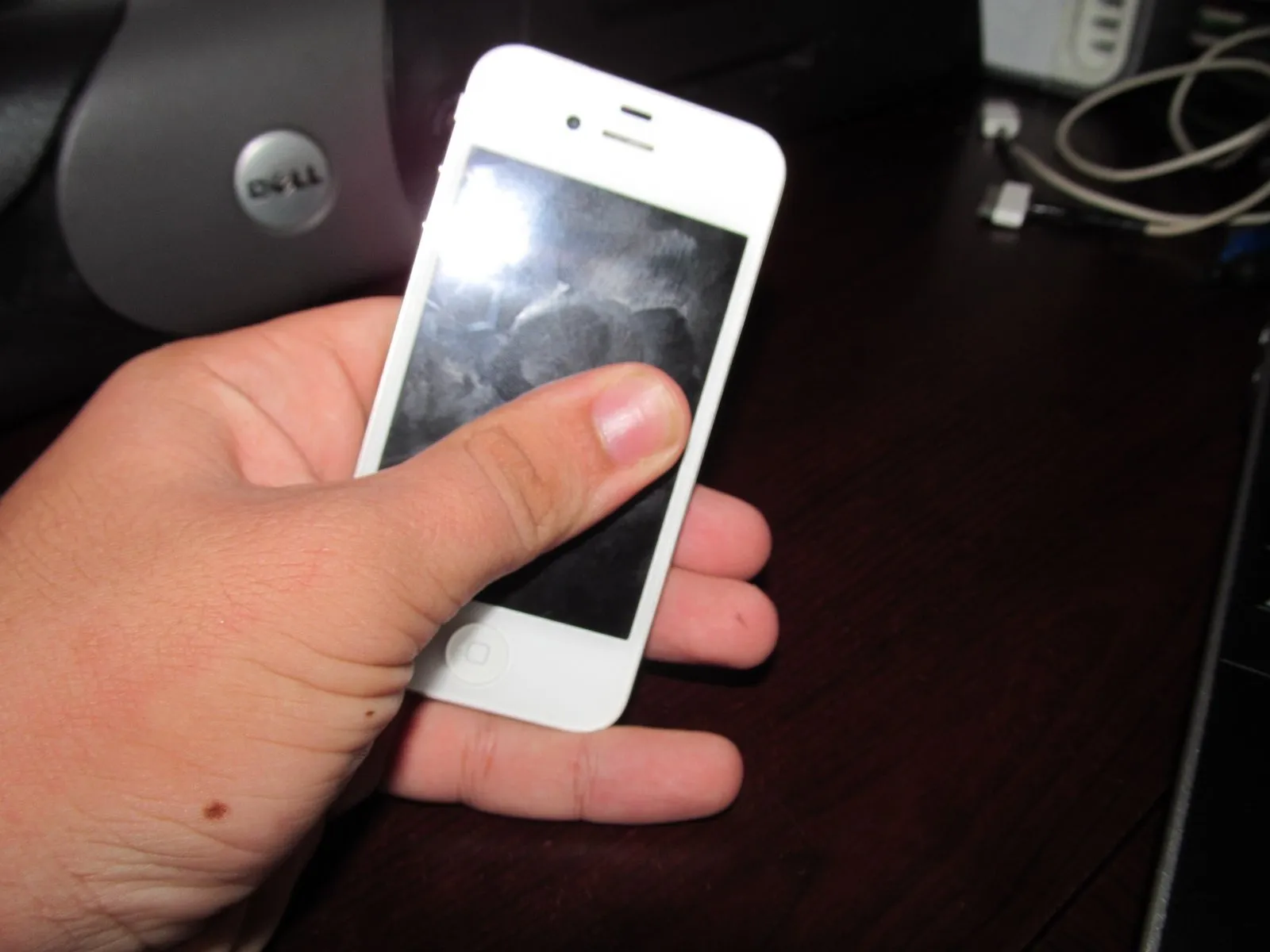
The procedure is straightforward.To check for a potential issue, apply pressure to the right edge of the display; a noticeable give indicates a need for internal examination. Absence of a battery-side bulge suggests the device is likely undamaged, though disassembly for verification remains a prudent precaution.
Apply force gently to avoid damage.Excessive force during this step risks LCD damage; a cracked display typically necessitates a full device replacement, exceeding the cost of a new display unit and rendering the phone unusable.
Apply force gently to avoid damage.Excessive force during this step risks LCD damage; a cracked display typically necessitates a full device replacement, exceeding the cost of a new display unit and rendering the phone unusable.