Apple iPhone 6 Teardown by X-ray
Experience with disassembling numerous smartphone models reveals a remarkable consistency in their internal construction; the iPhone 4S to 5S transition, for instance, exhibited minimal design alterations, a trend mirrored when contrasting with the Samsung Galaxy S5.
This iPhone 6 repair guide details several distinct features.
- The device utilizes an Apple A8 processor featuring a 64-bit architecture.
- The motion coprocessor is an M8, second generation.
- The device offers internal storage options of 16, 64, or 128 gigabytes.
- The screen measures 4.7 inches diagonally and presents a resolution of 1334 by 750 pixels, resulting in a pixel density of 326 pixels per inch, which is characteristic of a Retina HD display.
- The rear camera features an 8-megapixel iSight sensor, utilizing 1.5-micrometer pixels and phase-detection autofocus capabilities, complemented by a 1.2-megapixel FaceTime camera.
- The device incorporates a Touch ID home button fingerprint sensor, a barometer, a 3-axis gyro, an accelerometer, and an ambient light sensor.
- The device supports 802.11a, 802.11b, 802.11g, 802.11n, and 802.11ac wireless networking, Bluetooth version 4.0, Near Field Communication (NFC) functionality, and 20 LTE frequency bands.
Step 1 | Apple iPhone 6 Teardown by X-ray
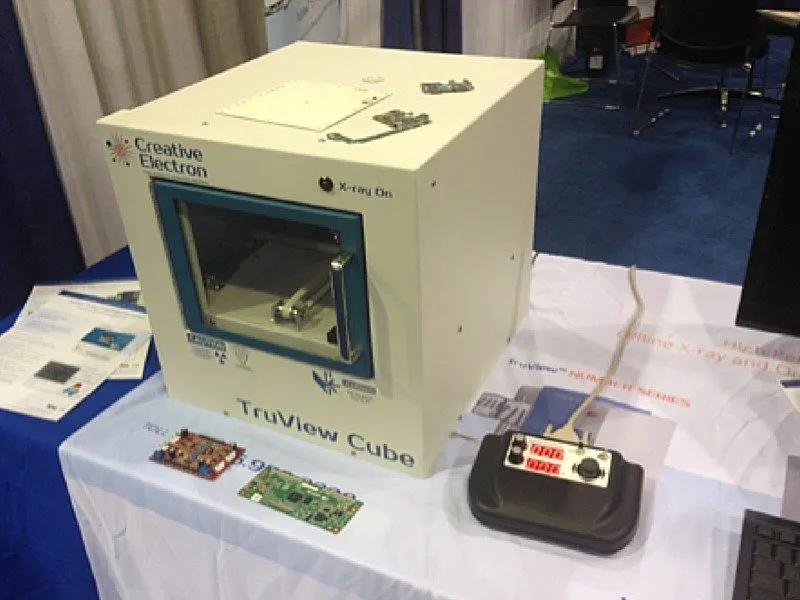
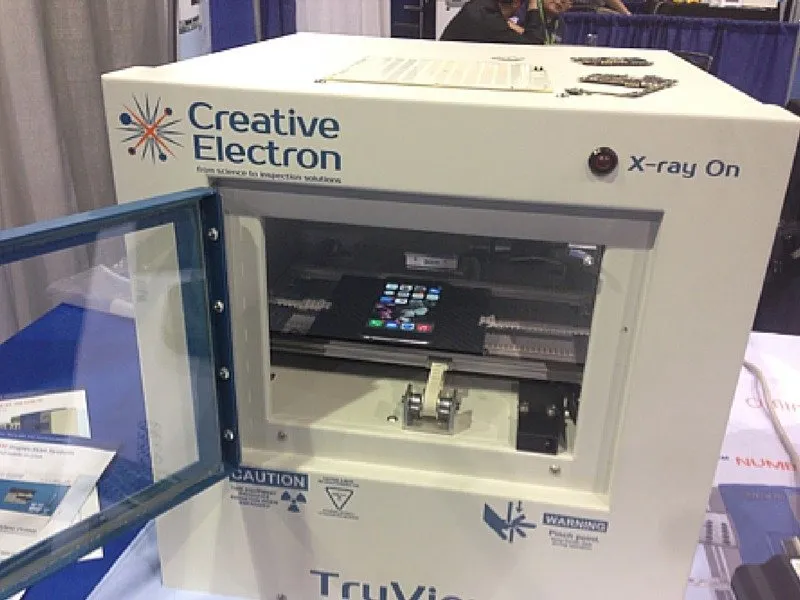

Initiate the diagnostic procedure by activating the TruView Cube X-ray system.
Examination using X-ray imaging revealed the iPhone 6’s rear Apple logo, constructed from stainless steel, is distinctly visible, differing from the more understated surface treatment found on earlier iPhone designs.
Examination using X-ray imaging revealed the iPhone 6’s rear Apple logo, constructed from stainless steel, is distinctly visible, differing from the more understated surface treatment found on earlier iPhone designs.
Step 2
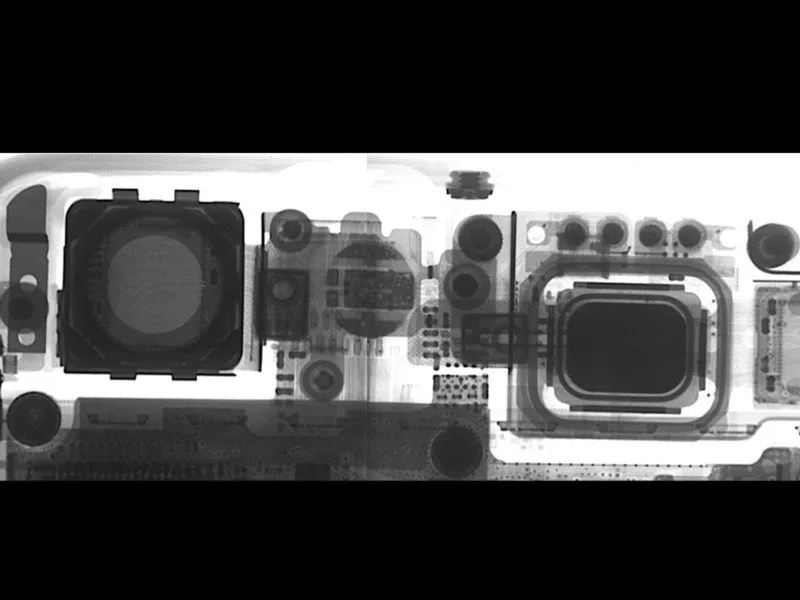
The iPhone 6's camera system represents a significant upgrade.
The iPhone 6's internal top view, as revealed by x-ray imaging, displays the FaceTime camera on the right and the iSight camera on the left, while also illustrating a significantly larger flash LED.
Two MEMS microphones are present: one situated to the right of the iSight camera and the other to the left of the FaceTime camera. The FaceTime microphone primarily captures audio during FaceTime calls, whereas the iSight microphone functions to minimize background noise during standard phone calls.
Employing a signal-processing algorithm, the voice signal and surrounding noise are gathered to minimize noise within the data channel, which represents the voice transmission.
The iPhone 6's internal top view, as revealed by x-ray imaging, displays the FaceTime camera on the right and the iSight camera on the left, while also illustrating a significantly larger flash LED.
Two MEMS microphones are present: one situated to the right of the iSight camera and the other to the left of the FaceTime camera. The FaceTime microphone primarily captures audio during FaceTime calls, whereas the iSight microphone functions to minimize background noise during standard phone calls.
Employing a signal-processing algorithm, the voice signal and surrounding noise are gathered to minimize noise within the data channel, which represents the voice transmission.
Step 3
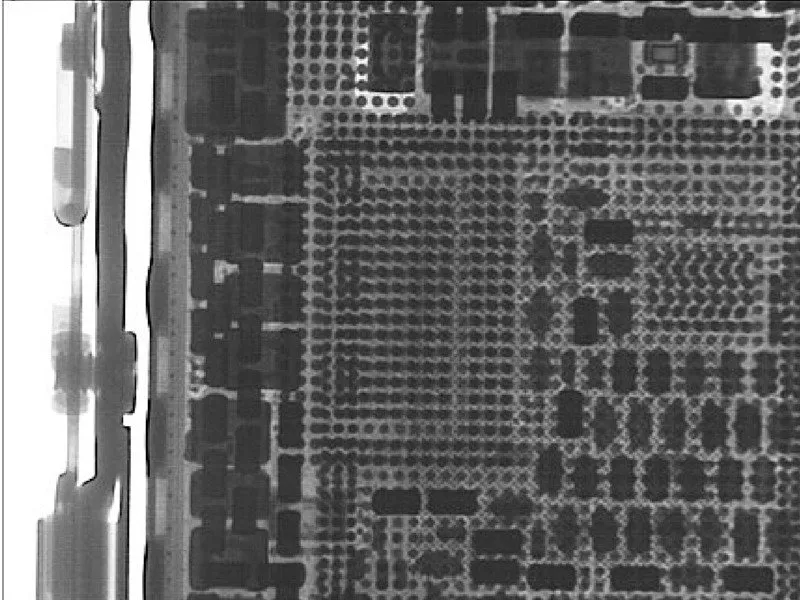
Observe this image to understand the intricate components and connections surrounding the A8 processor, highlighting the complexity of its design and integration within the device.
Step 4
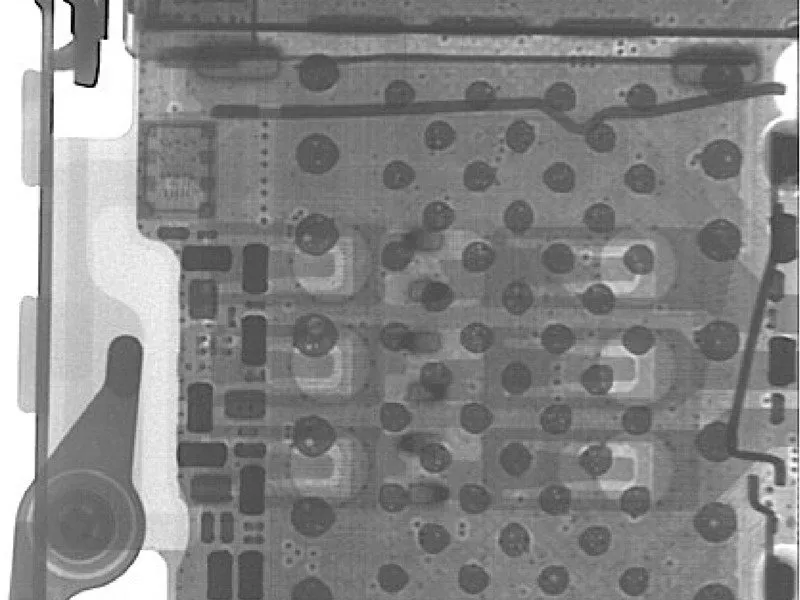
The iPhone 6's SIM card connector exhibits a distinct design, characterized by the presence of voids within the connector's solder ball attachments.
Step 5
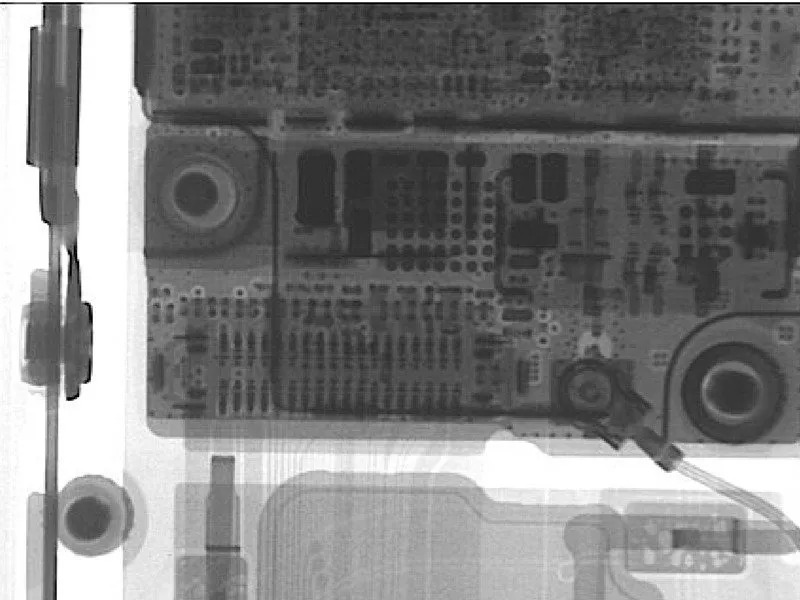
This close-up view highlights a typical antenna connector found among the numerous connections within the iPhone.
Step 6

Despite a redesign of the speaker assembly housing in the iPhone 6, the speaker component itself appears to be identical to the one found in the iPhone 5S.
Step 7
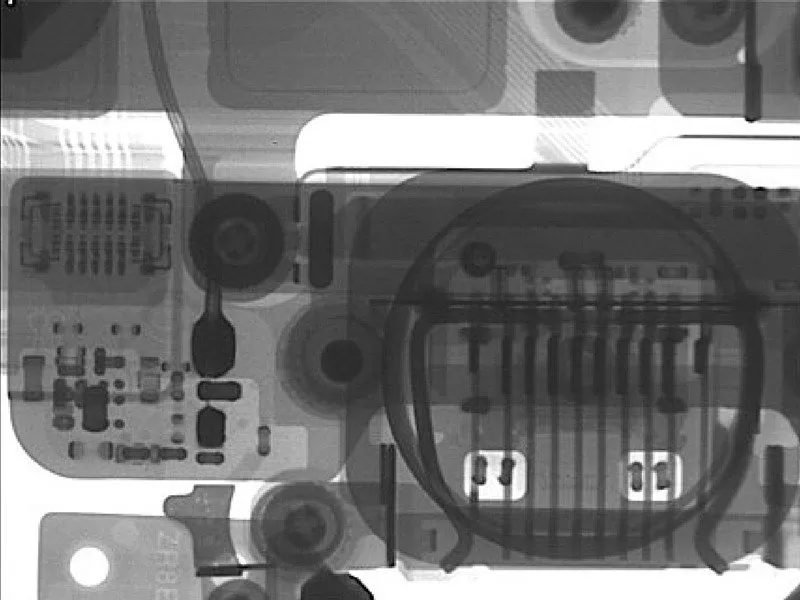


The iPhone 6's case incorporates distinct antennae, a design element that elicits varied opinions. Examining the internal components reveals these antennae on both the left and right sides of the device, alongside the TouchID sensor and the Lightning connector, which handles both data transfer and power.
Step 8

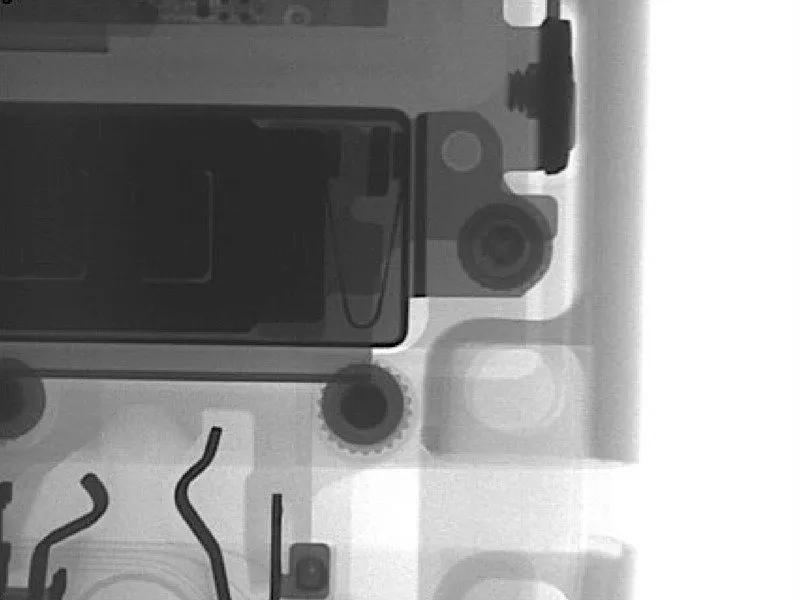
Apple has consistently varied the vibration motor technology used in iPhones; the iPhone 4 incorporated a counterweight system, followed by a linear oscillator in the iPhone 4S, then a return to the counterweight design for the iPhone 5 and 5S, and subsequently, the iPhone 6 utilizes a linear oscillator once again.