How To Fix Vertical Lines On An iPhone Screen After Replacement
Following a screen replacement on an iPhone, vertical lines often appear, typically indicating an issue unrelated to a faulty screen and potentially fixable through basic troubleshooting.
Should these troubleshooting actions fail to resolve the problem, a faulty component is likely the cause.
Step 1 | Electro-Static Discharge (ESD)

Static electricity frequently causes display failures.
To prevent damage from electrostatic discharge, ensure both you and the phone are free of static electricity prior to any repair work; accomplish this by utilizing an anti-static mat and wearing an anti-static wrist strap.
To prevent damage from electrostatic discharge, ensure both you and the phone are free of static electricity prior to any repair work; accomplish this by utilizing an anti-static mat and wearing an anti-static wrist strap.
Step 2 | Check the Connection
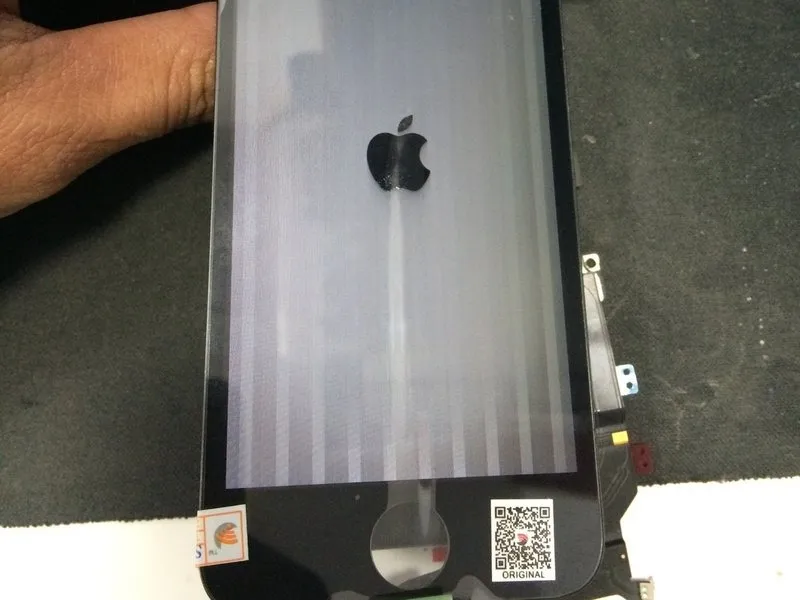

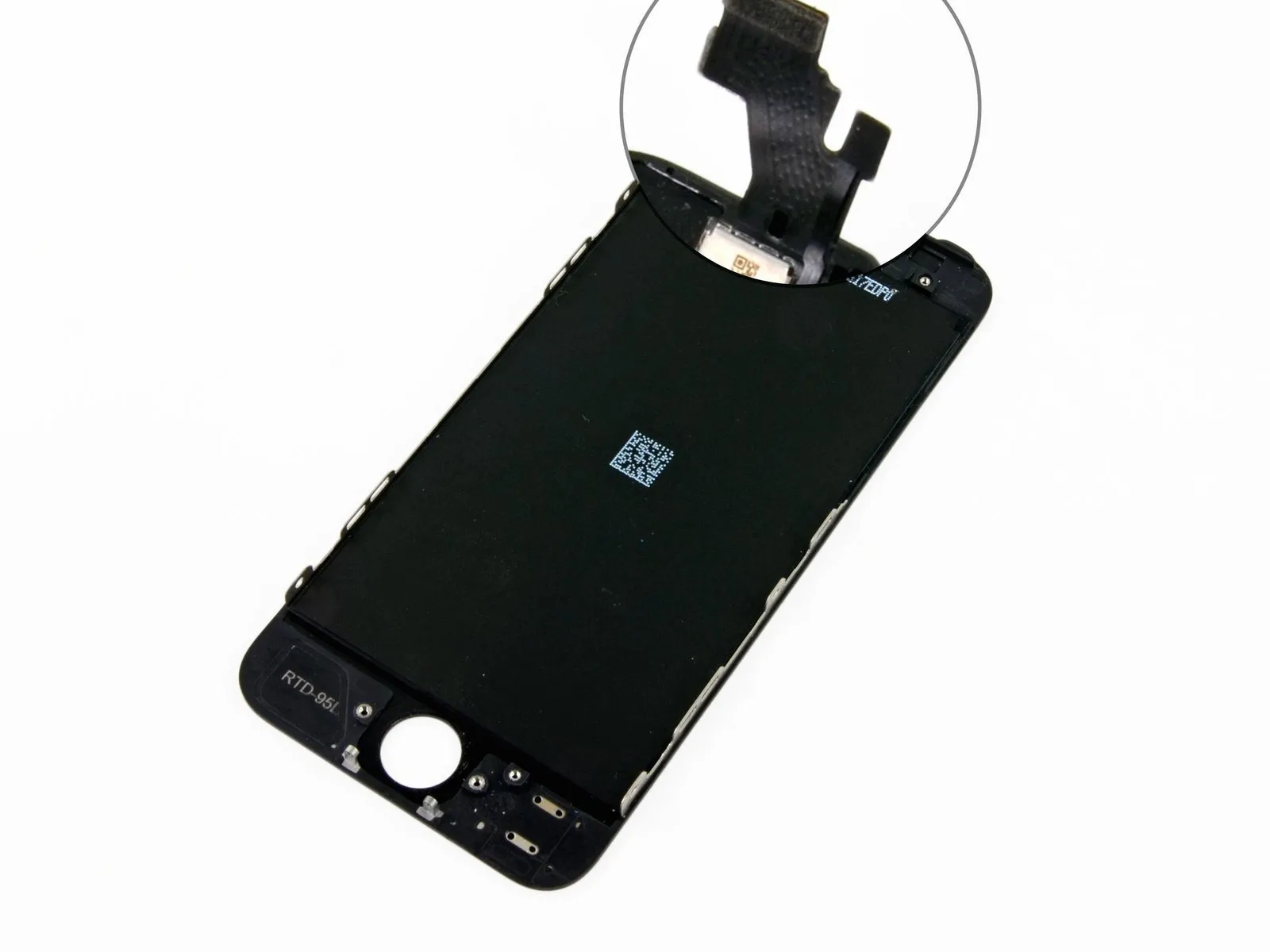
Carefully inspect the connectors linking the display cables to both the logic board and the cables themselves.
To prevent connection failures resulting from contaminants, use a soft brush to remove any dirt, dust, or debris, followed by cleaning with isopropyl alcohol having a concentration of no less than 90%. Examine all connectors and repeat the cleaning process if needed.
Because isopropyl alcohol can cause skin and eye irritation, always wear gloves and eye protection when handling it.
To prevent connection failures resulting from contaminants, use a soft brush to remove any dirt, dust, or debris, followed by cleaning with isopropyl alcohol having a concentration of no less than 90%. Examine all connectors and repeat the cleaning process if needed.
Because isopropyl alcohol can cause skin and eye irritation, always wear gloves and eye protection when handling it.
Step 3 | Damaged IC Connector

A potential failure exists within the display's integrated circuit, which may result in damage.
Carefully inspect both the upper left and upper right areas.
If the component exhibits any imperfections, it is considered faulty and must be substituted with a fresh replacement.
Carefully inspect both the upper left and upper right areas.
If the component exhibits any imperfections, it is considered faulty and must be substituted with a fresh replacement.