iPhone SE SIM Tray Replacement
This document provides instructions for extracting or substituting the SIM card and its corresponding tray within a GSM-compatible iPhone.
Step 1 | SIM Tray
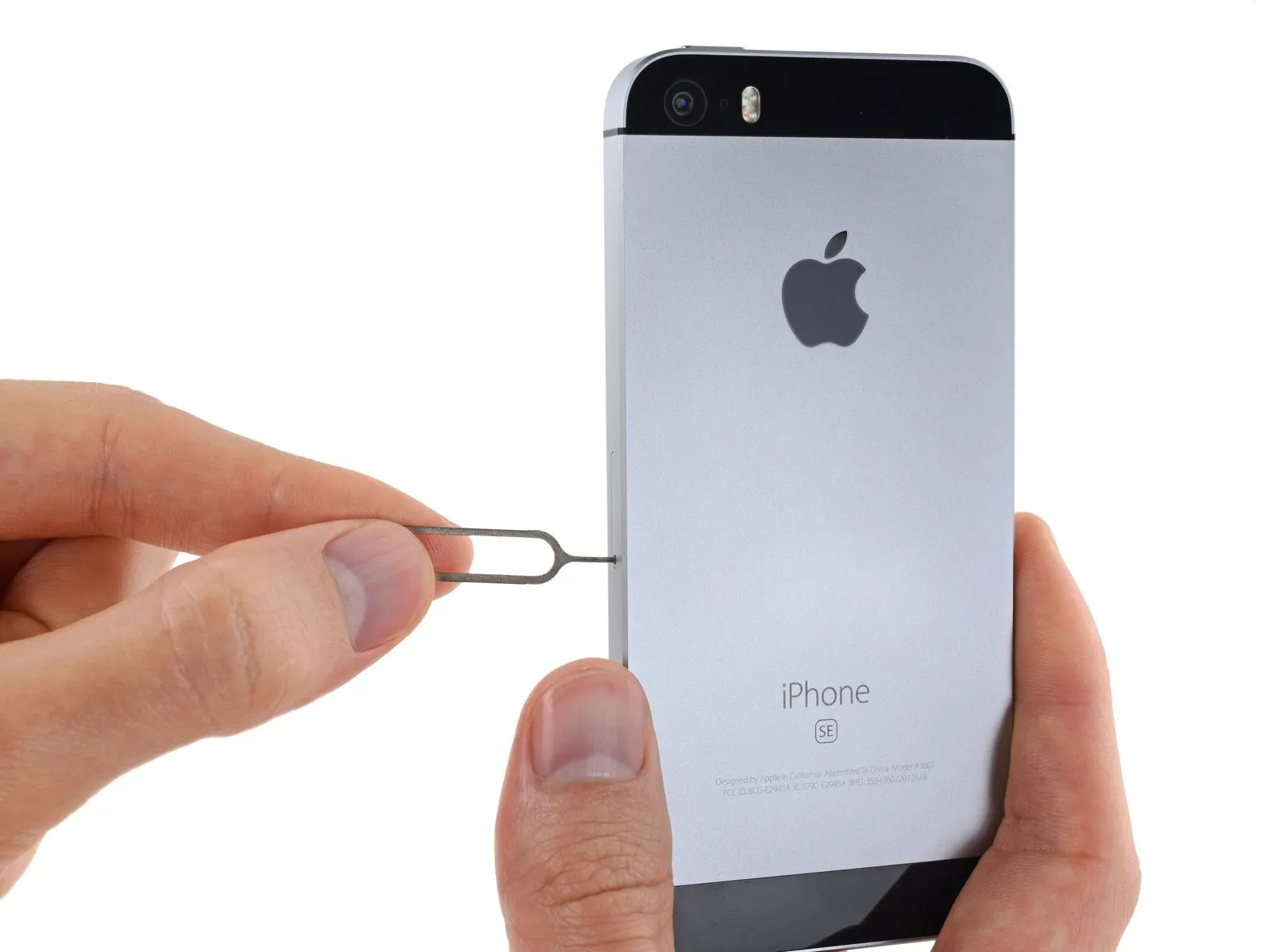
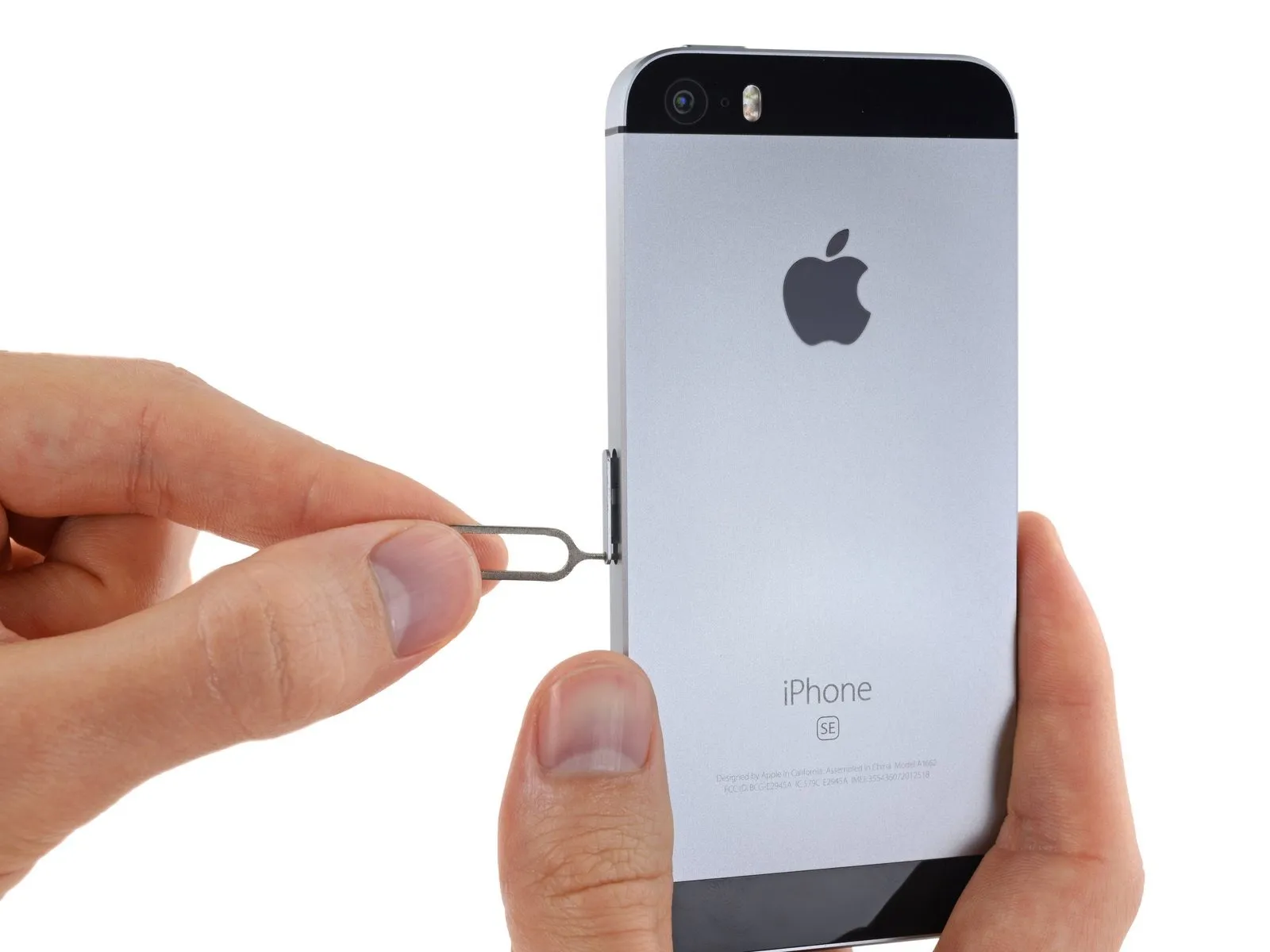
Initially, proceed to the following action:Carefully position a SIM card eject toolor alternatively, a standard paperclipinto the tiny aperture located on the SIM card tray.
- Apply pressure to this tool to release the tray from its housing.
- Be aware that a considerable amount of pressure might be necessary to accomplish this.
Step 2
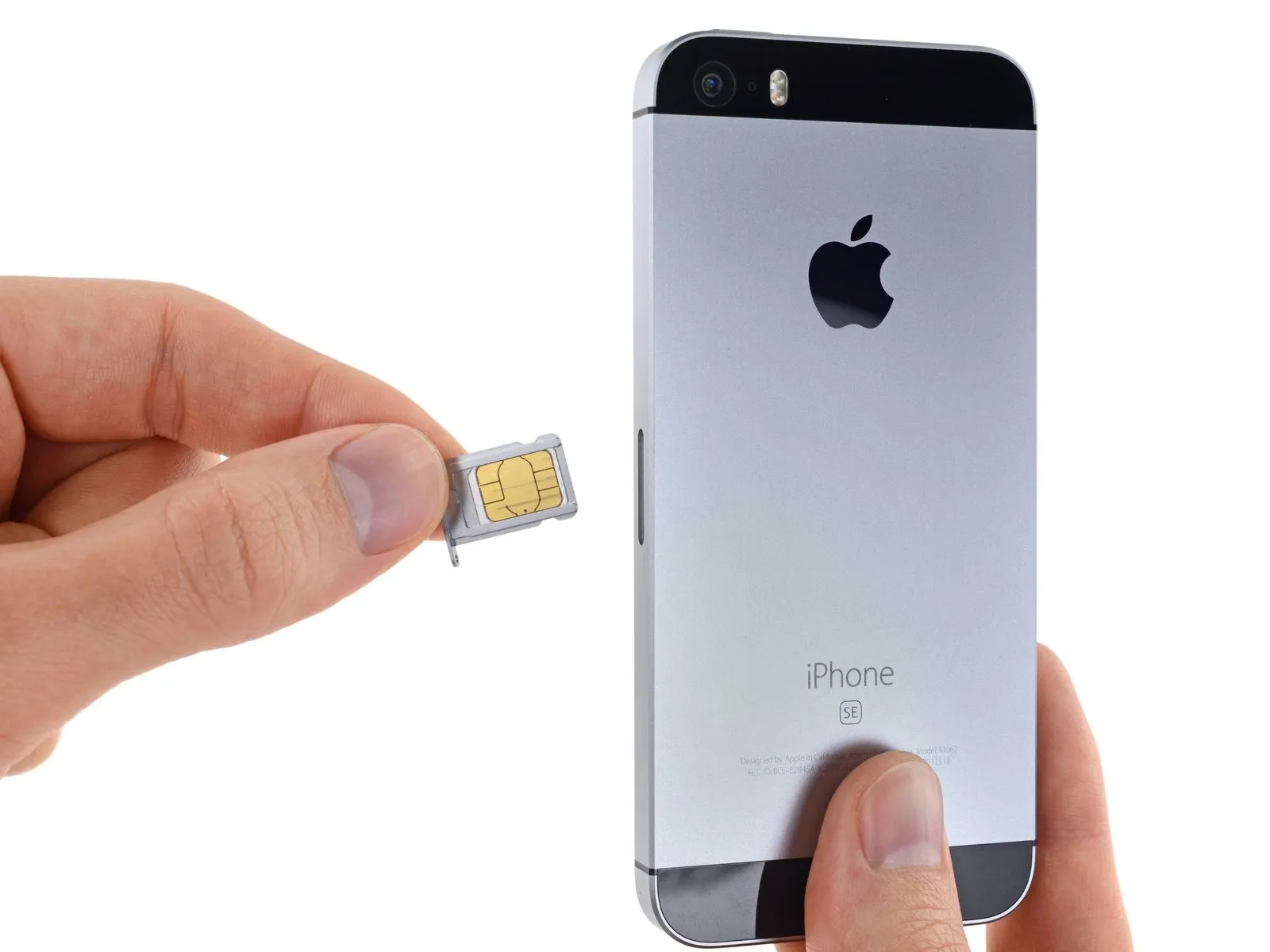
Proceed to step 2:Extract the SIM Card tray assembly from the iPhone's chassis.
- During the reinsertion of the SIM card, confirm its correct alignment with the tray.