Fix iPhone X Stuck On Apple Logo/iTunes Error 4014
Prior to commencing any repair work, it is essential to disconnect the device from all electrical power to prevent potential hazards.
- Necessary tools for this procedure include:A Phillips head screwdriver is needed.
Consult the device's user documentation for detailed specifications related to your particular model and to understand further safety guidelines.
Step 1 | Error 4014
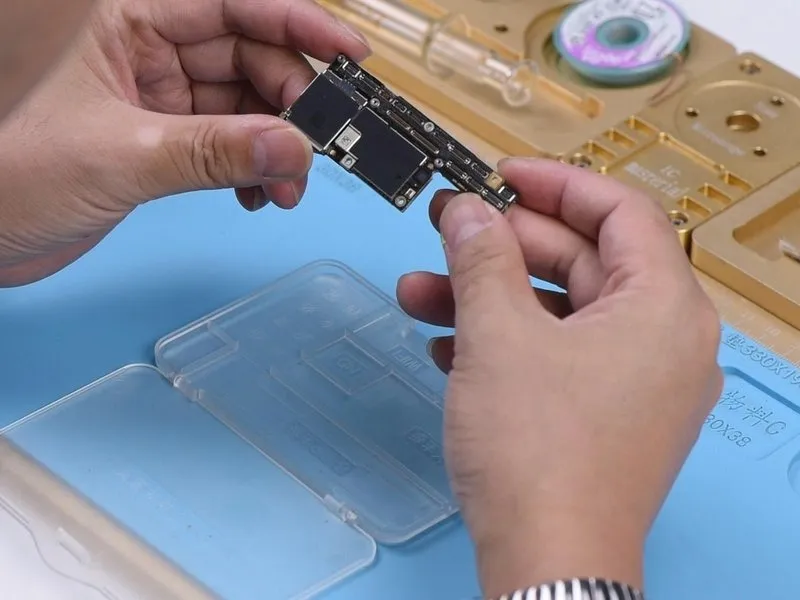

- Begin by visually examining the motherboard for any superficial defects.
- Confirm the motherboard's physical integrity, ensuring it exhibits no signs of bending or water exposure.
Proceed with motherboard installation and subsequent testing, acknowledging the device's current inability to power on.
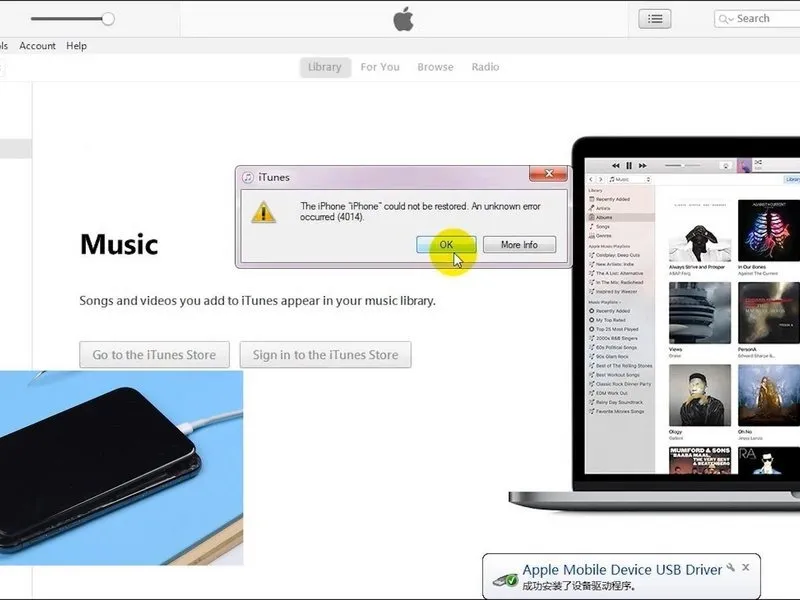
Establish a connection between the phone and a computer, then attempt a restoration process utilizing iTunes, noting the appearance of error code 4014.
Step 2

Based on the interpretation of iTunes error codes, the issue could stem from physical harm to the NAND flash memory chip or operational failures within the circuits that interact with it.
- Begin by assessing the power delivered to the NAND memory. To do this, connect the battery connector to a DC power supply.
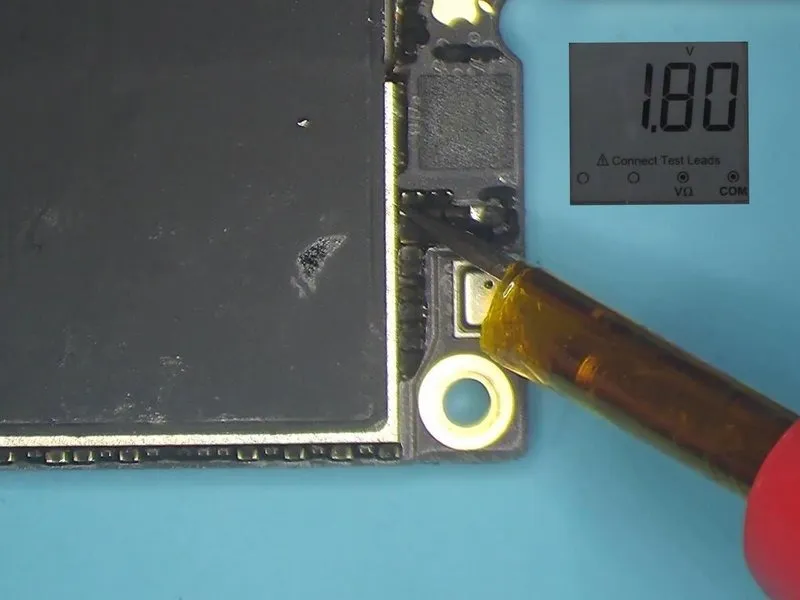
- Apply power to the motherboard's circuitry using tweezers.
Perform voltage measurements on the power supplied to the NAND memory.The expected voltage readings areincludingandvalues of 0.9V, 1.8V, and 3.0V, respectively, which indicate proper function.
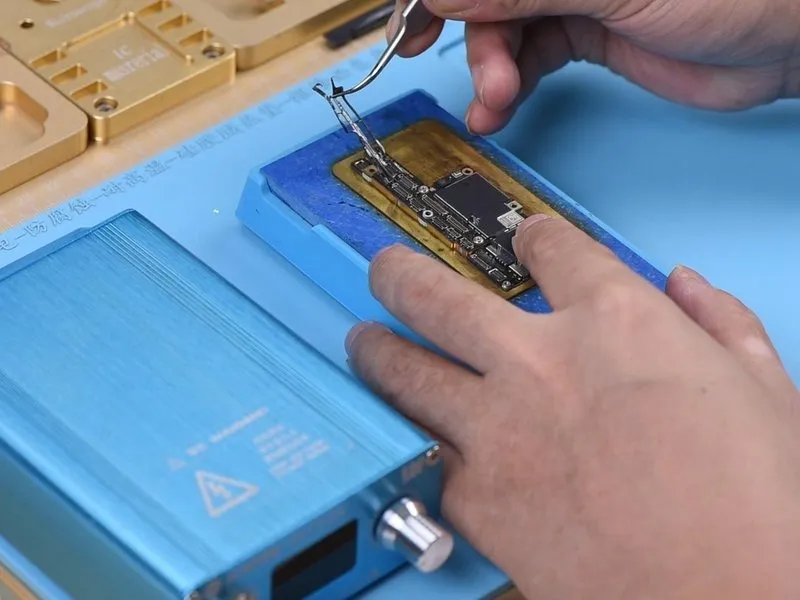
To determine if a faulty NAND flash chip is the root cause, substitute it with a new one and evaluate the results. Secure the motherboard onto a dedicated Heating Platform for this process.
- Prior to proceeding, remove the protective sponge layer from the motherboard’s surface.
Activate the heating platform and configure the temperature to155°C.
Step 3
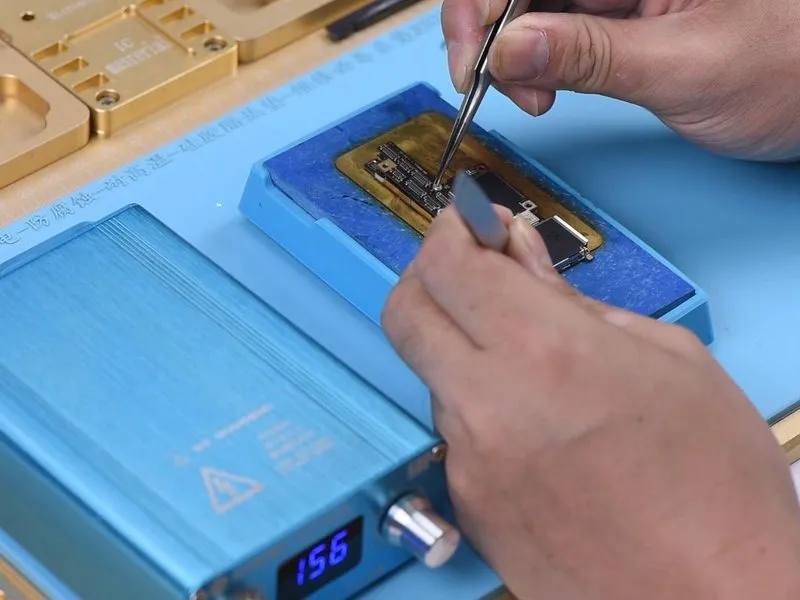
As the platform's temperature attains 155°C, delicately lift the upper layer utilizing tweezers. A crucial note: exercise extreme caution during motherboard separation.
- Because the solder ball arrangement on the third space PCB remains unchanged, the reballing step is unnecessary when reattaching the two layers.
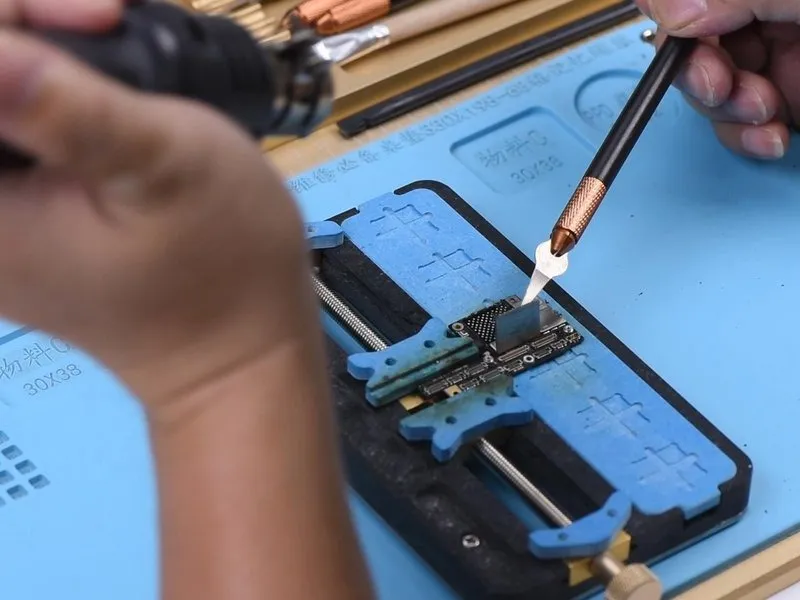
Secure the upper layer to the PCB Holder for stability.
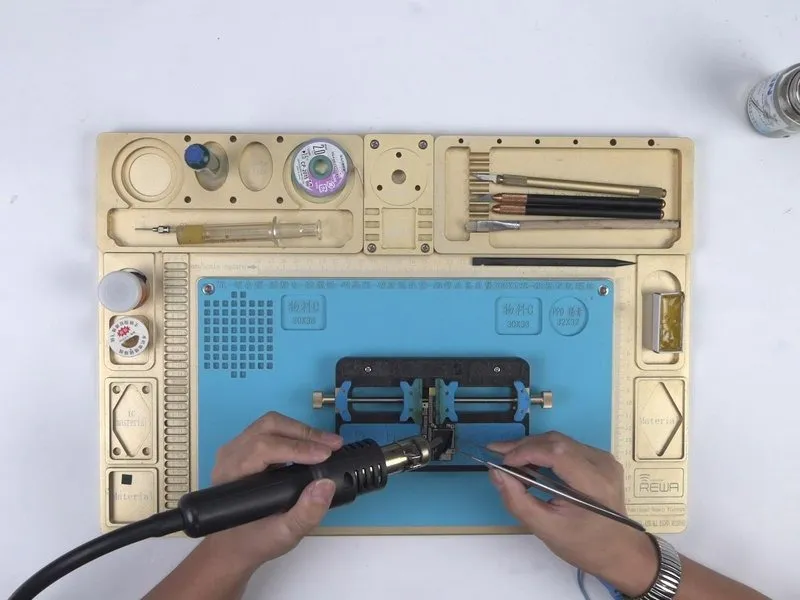
- Apply heat using a Hot Air Gun, setting the temperature to 280°C, with an airflow of 3, to detach the adhesive sticker.
- Maintain heat application to eliminate the black adhesive surrounding the NAND.
- Subsequently, utilize a Hot Air Gun at 340°C, employing an airflow of 5, and carefully lever the NAND flash chip upwards.
Step 4
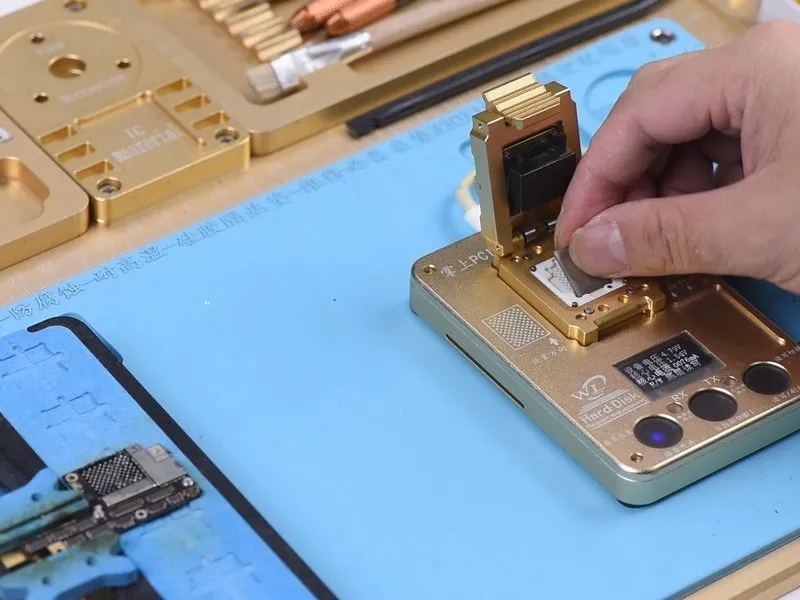
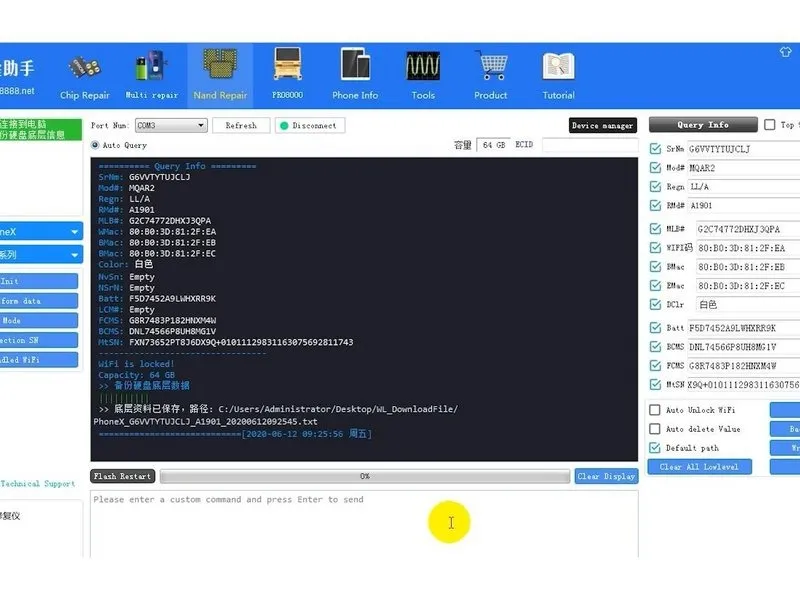
Position the NAND flash memory component onto the designated workspace of the PCIe repair programming device.
- Initiate the 'Backup Kernal Data' function to create a data copy of the chip's contents.
The copied data will be automatically stored on the host computer's storage medium.
Step 5
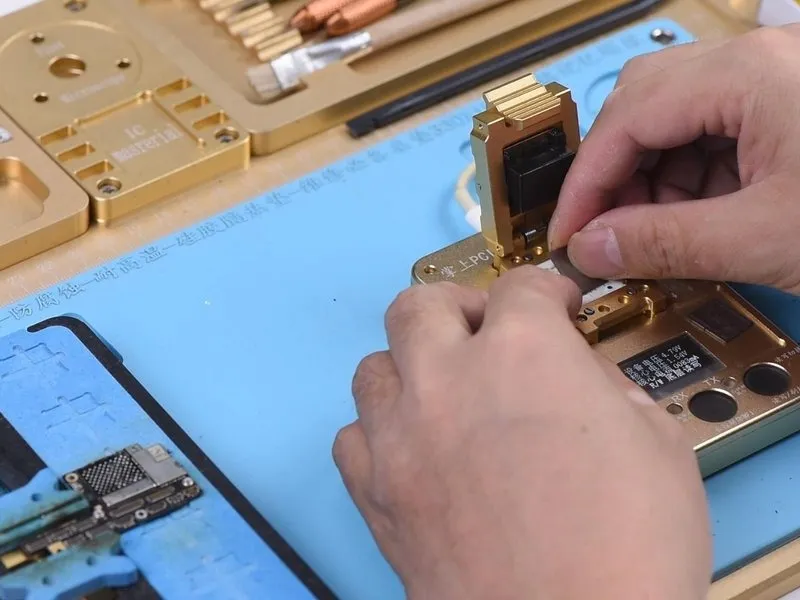
- Carefully remove theNAND flash chip.
- Position the replacementNAND flash chip onto the designated preparation surface.
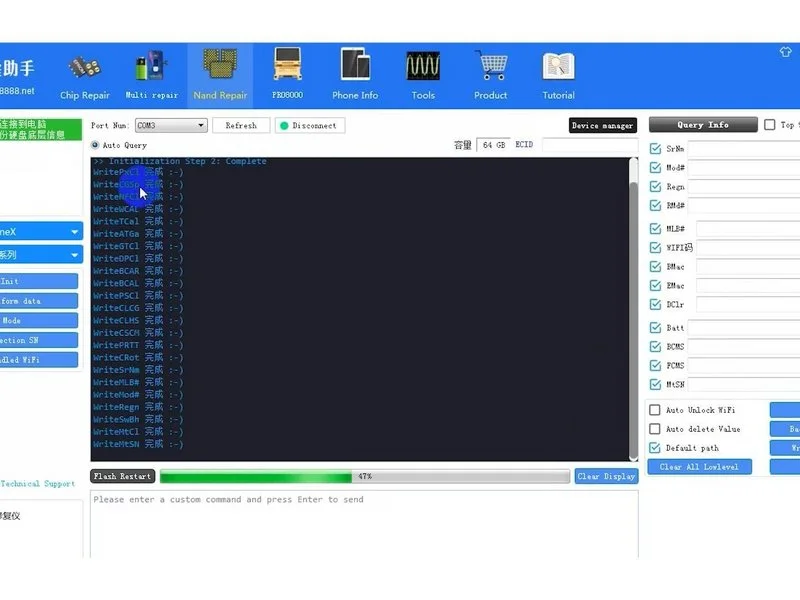
- Initiate theWrite Kernal Data function. Select the data file previously stored on the connected computer.
- The diagnostic application will transfer the stored backup information to the newly installed chip.
Step 6

Upon completion, select the 'Query Info'. The interface will then present fundamental details regarding the newly installed chip.
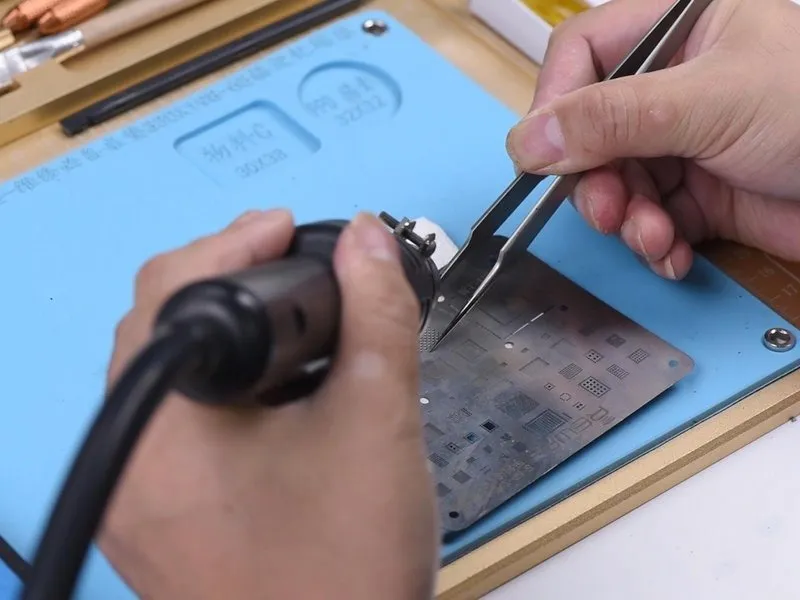
After the previous step, carefully remove the new NAND Flash chip. The subsequent step involves preparing the NAND flash chip for reballing; position the BGA Reballing Stencil precisely. Distribute a uniform layer of medium-temperature solder paste across the stencil's surface.
- Employ a Hot Air Gun, setting the temperature to 300°C and airflow to level 3, to facilitate complete formation of all solder balls. Allow a one-minute cooling period after this process.
- Subsequently, detach the NAND flash chip from the stencil. Reapply heat to confirm proper solder ball formation.
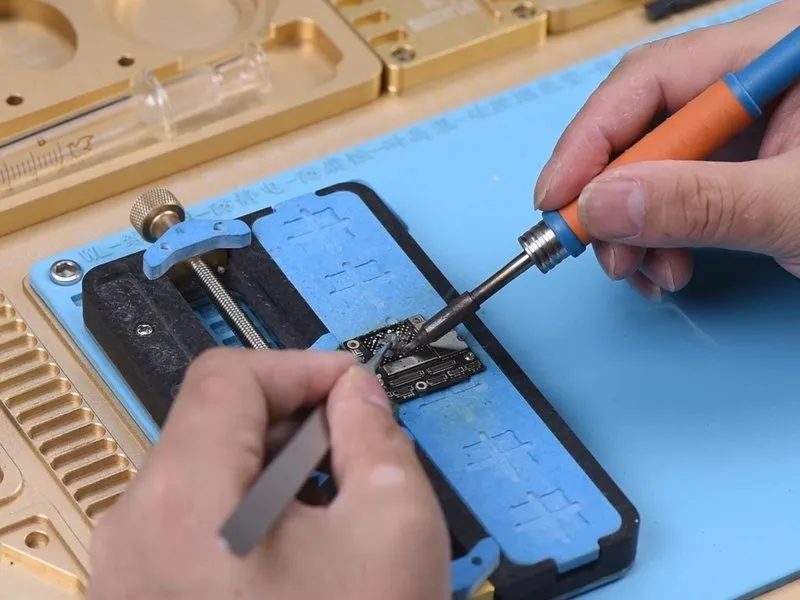
Next, we will proceed with NAND soldering; prior to this, apply a small amount of medium-temperature solder paste to the bonding pad using a Soldering Iron set to 365°C.
Following the application, cleanse the bonding pad. Then, perform a comprehensive cleaning utilizing Solder Wick and conclude with a cleaning using PCB Cleaner.
Step 7
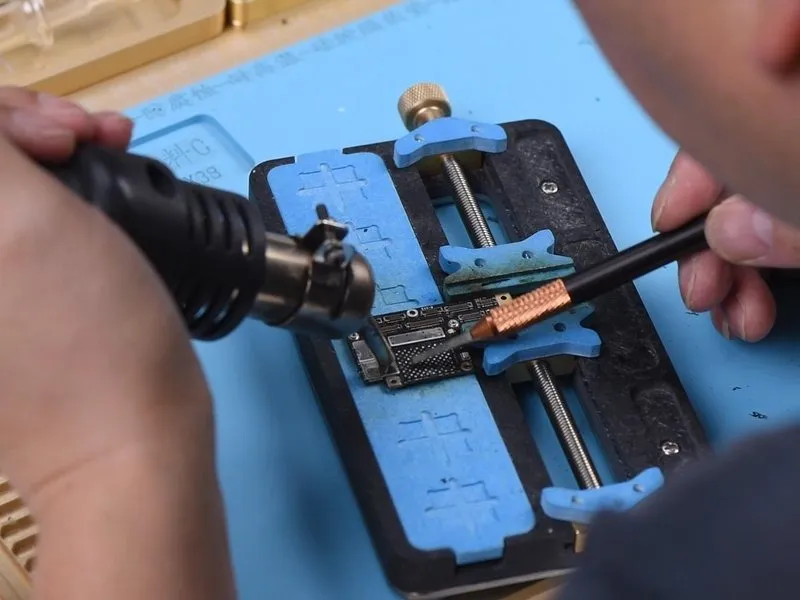

- Maintain the application of heat using a Hot Air Gun, setting the temperature to 300°C and ensuring an airflow of 3, to eliminate any remaining black adhesive residue from the bonding pad.
- Following this, proceed with the application of paste flux to the bonding pad's surface.
- Retrieve the replacement NAND flash chip and carefully align it in its designated location; then, utilize a Hot Air Gun, configured to 330°C with an airflow of 4, to perform the soldering process.
Step 8
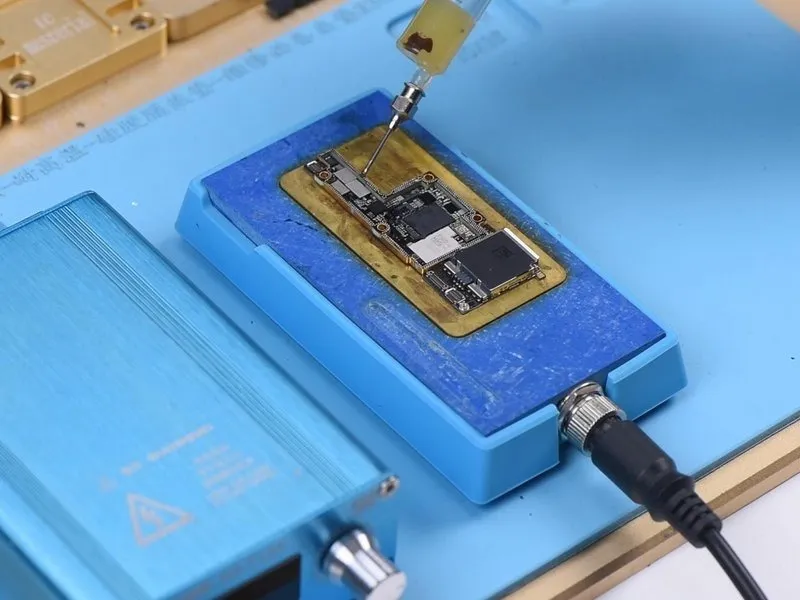
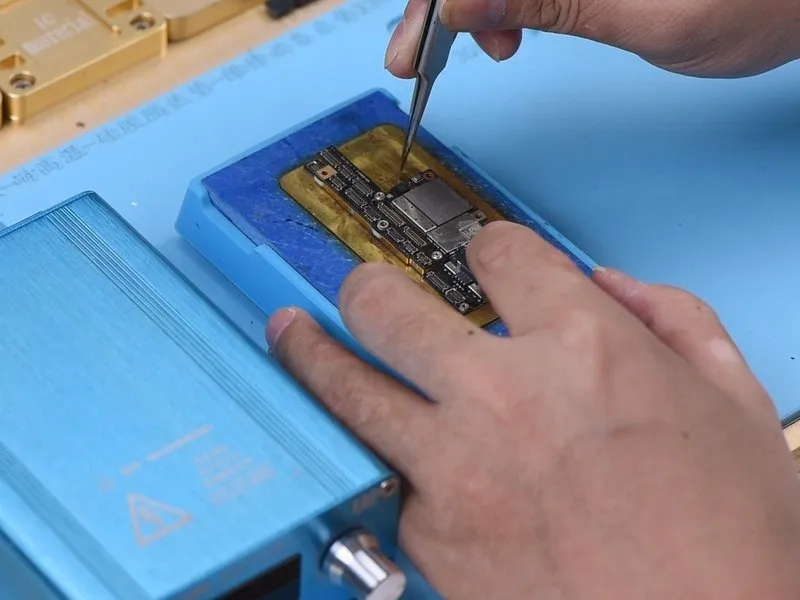
The subsequent step involves joining the two layers through soldering; prior to this process, it's essential to eliminate the heat-insulating adhesive from the lower layer.
Subsequently, apply Paste Flux to the designated area on the third space PCB, then align the upper layer. Initiate the heating platform and allow its temperature to reach 155°C, maintaining the heat for a duration of 1 minute.
Deactivate the heating platform and allow the motherboard to undergo a cooling period of 5 minutes.
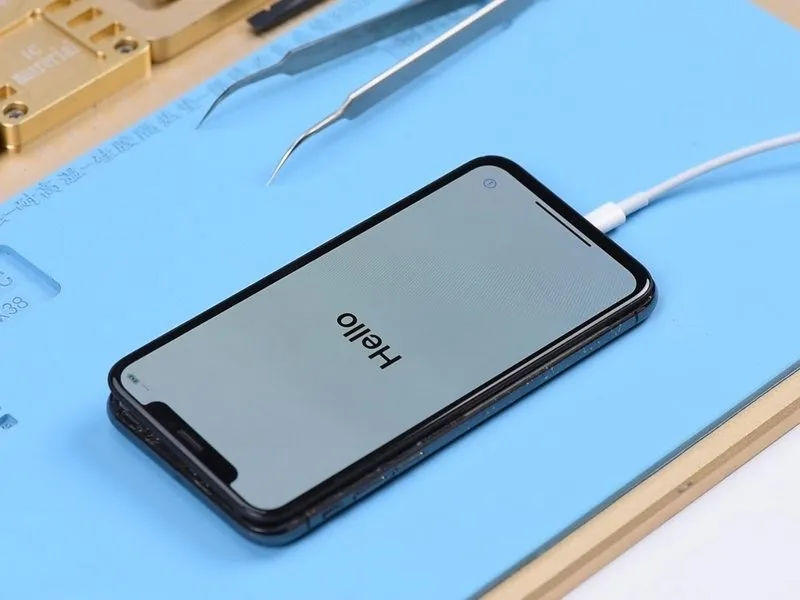
With the cooling complete, proceed with phone assembly and testing; establish a connection between the phone and a computer, then utilize iTunes to restore the device. Successful restoration will result in the phone powering on normally, displaying the SN and IMEI number.
Due to the motherboard being iCloud locked, the activation process is restricted and can only be performed by the original owner.