Mini AirPower Wireless Charger Teardown.
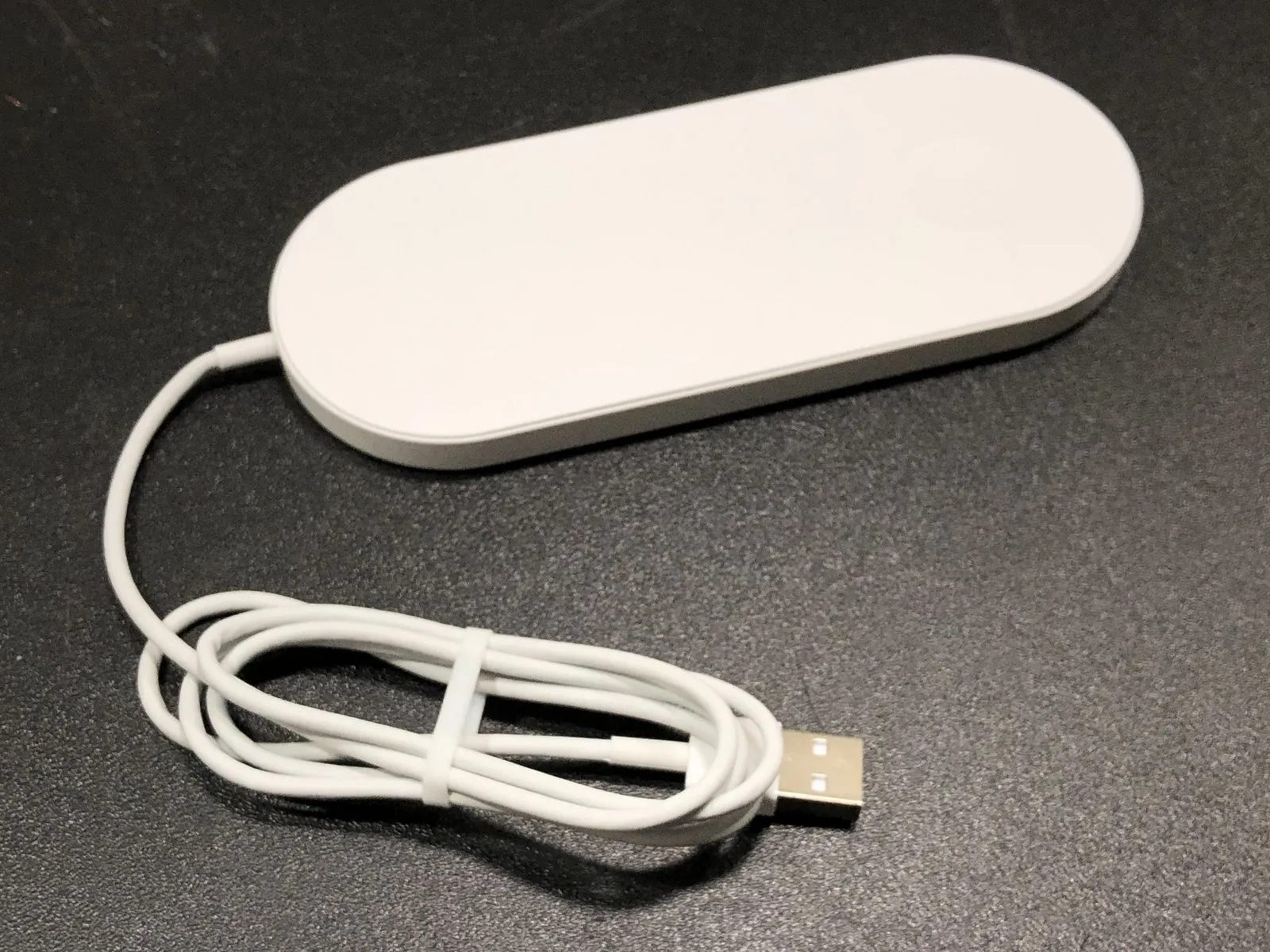
Due to the discontinuation of the original Apple AirPower, unauthorized reproductions are available from vendors such as those on AliExpress; a teardown was performed to examine their internal components.
Step 1 | Mini AirPower Wireless Charger Teardown.
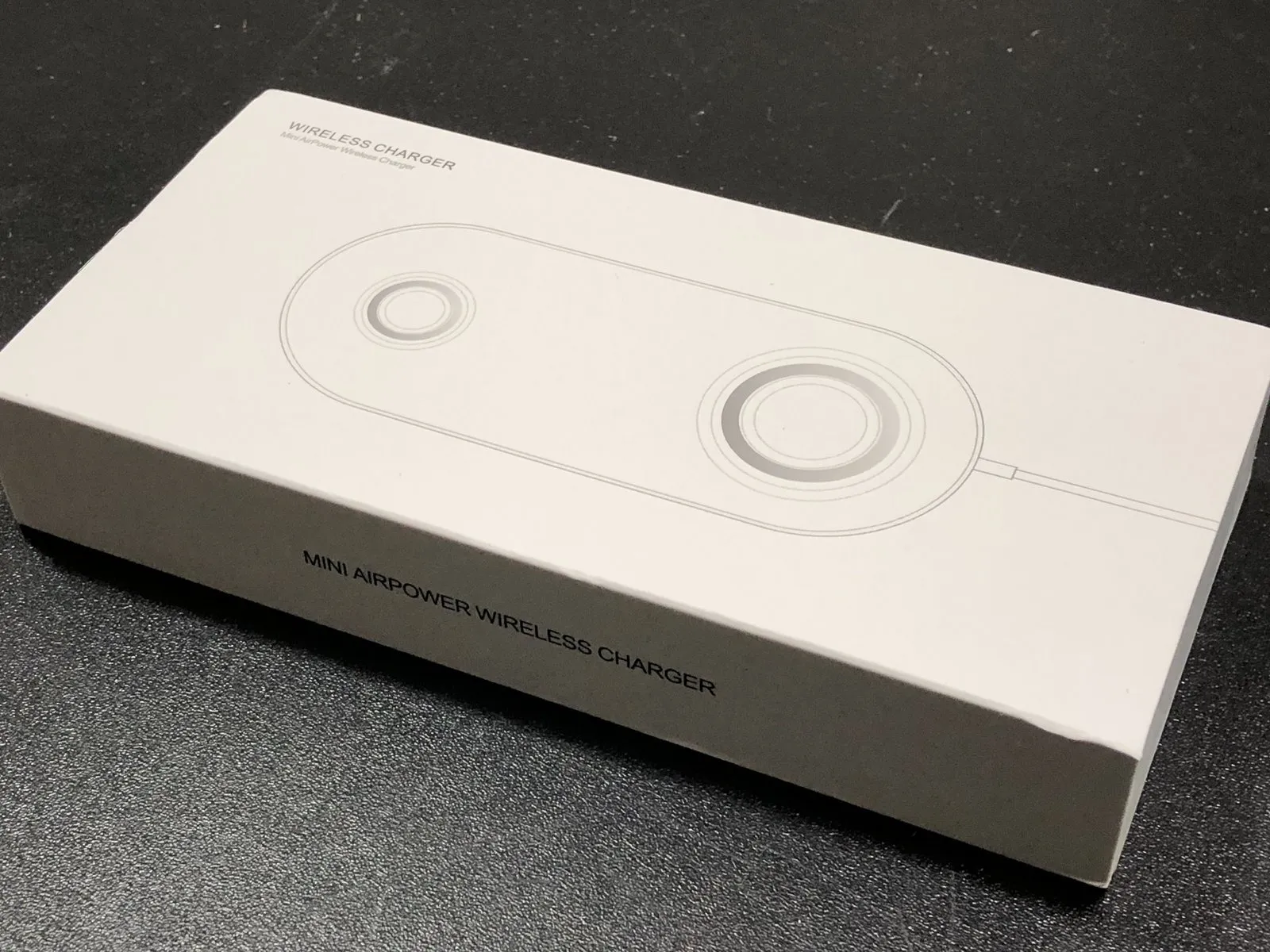
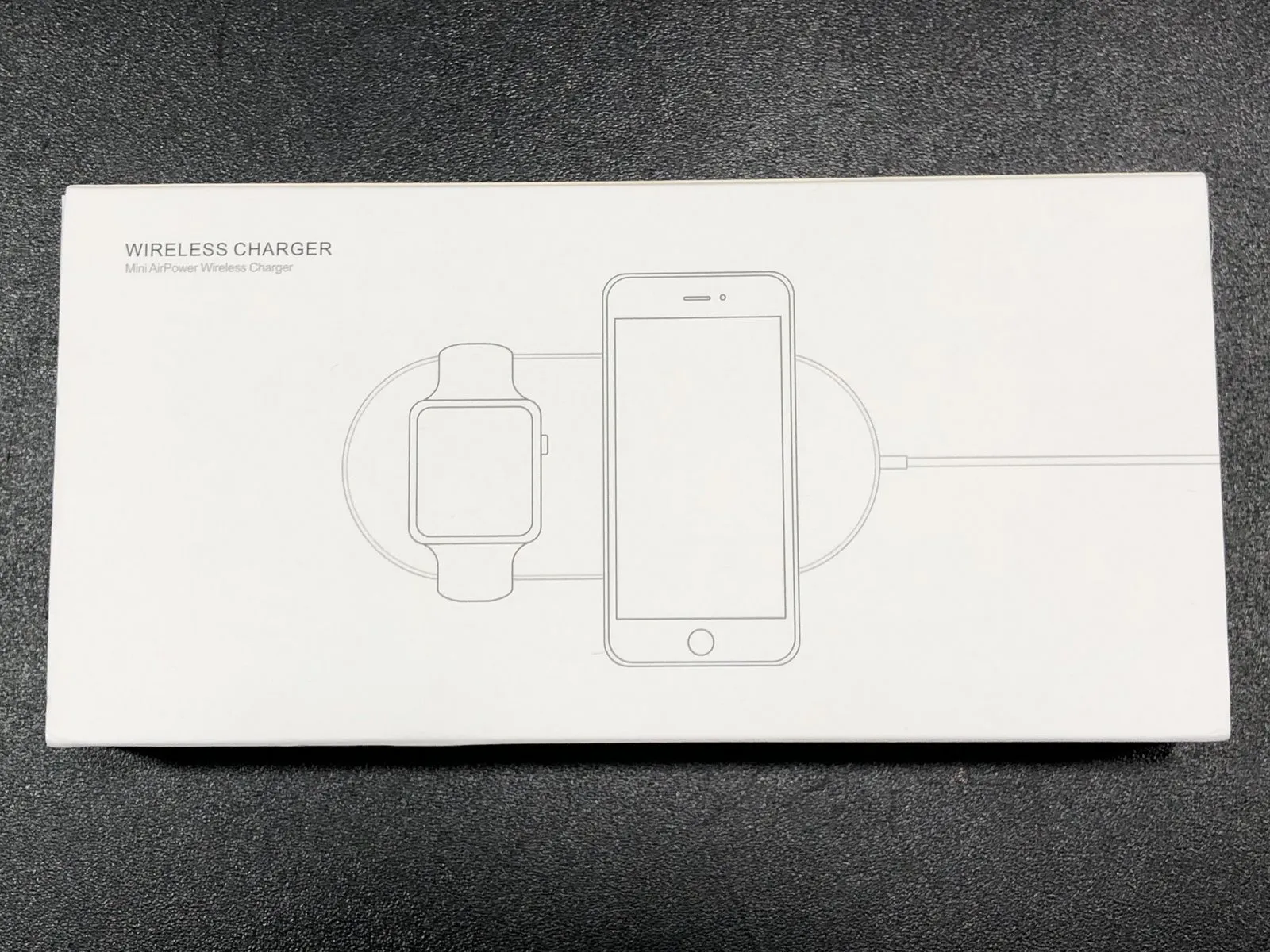
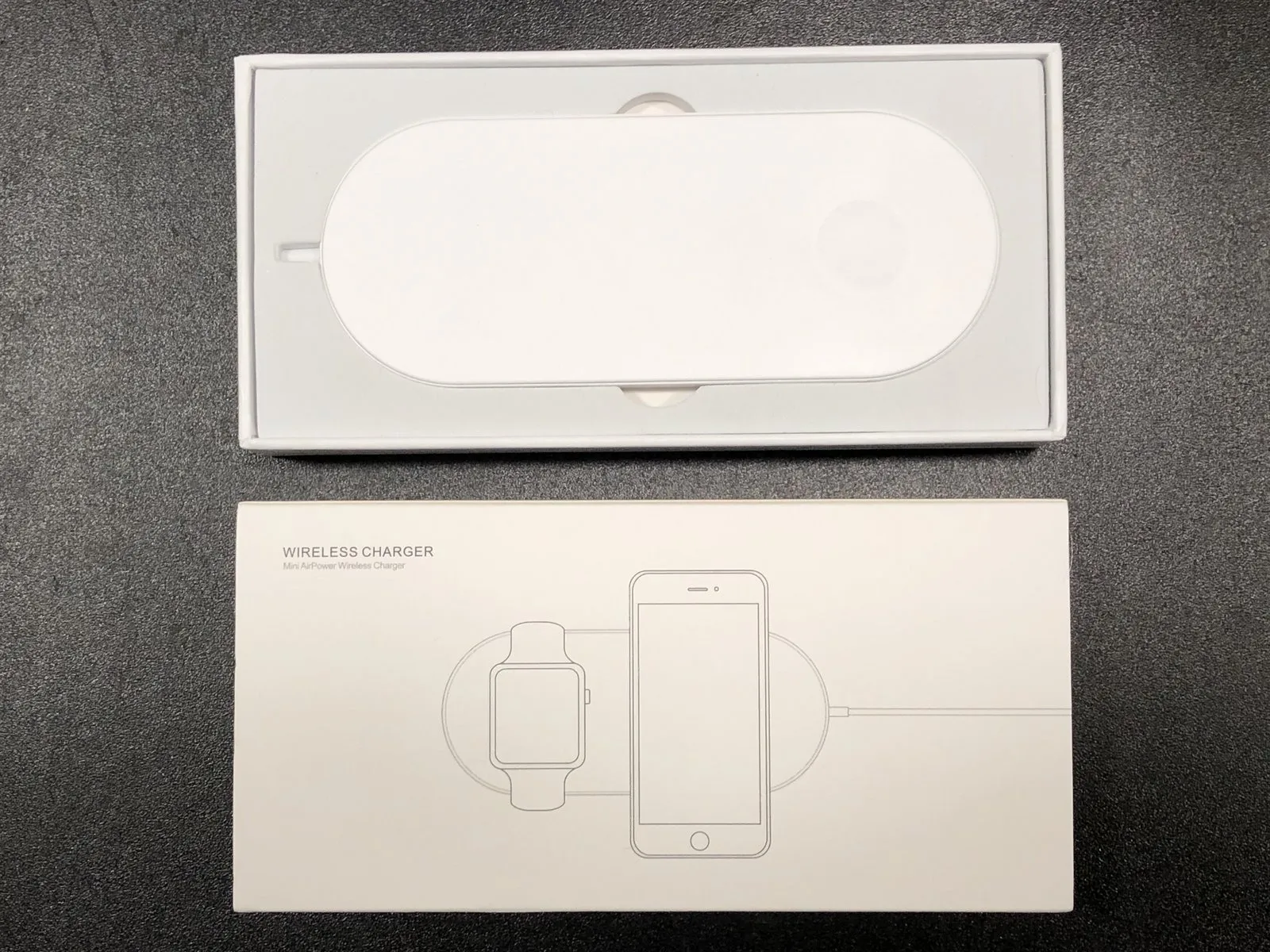
Inside the retail carton, you’ll find the charger itself, accompanied by a detailed instruction manual.
Step 2
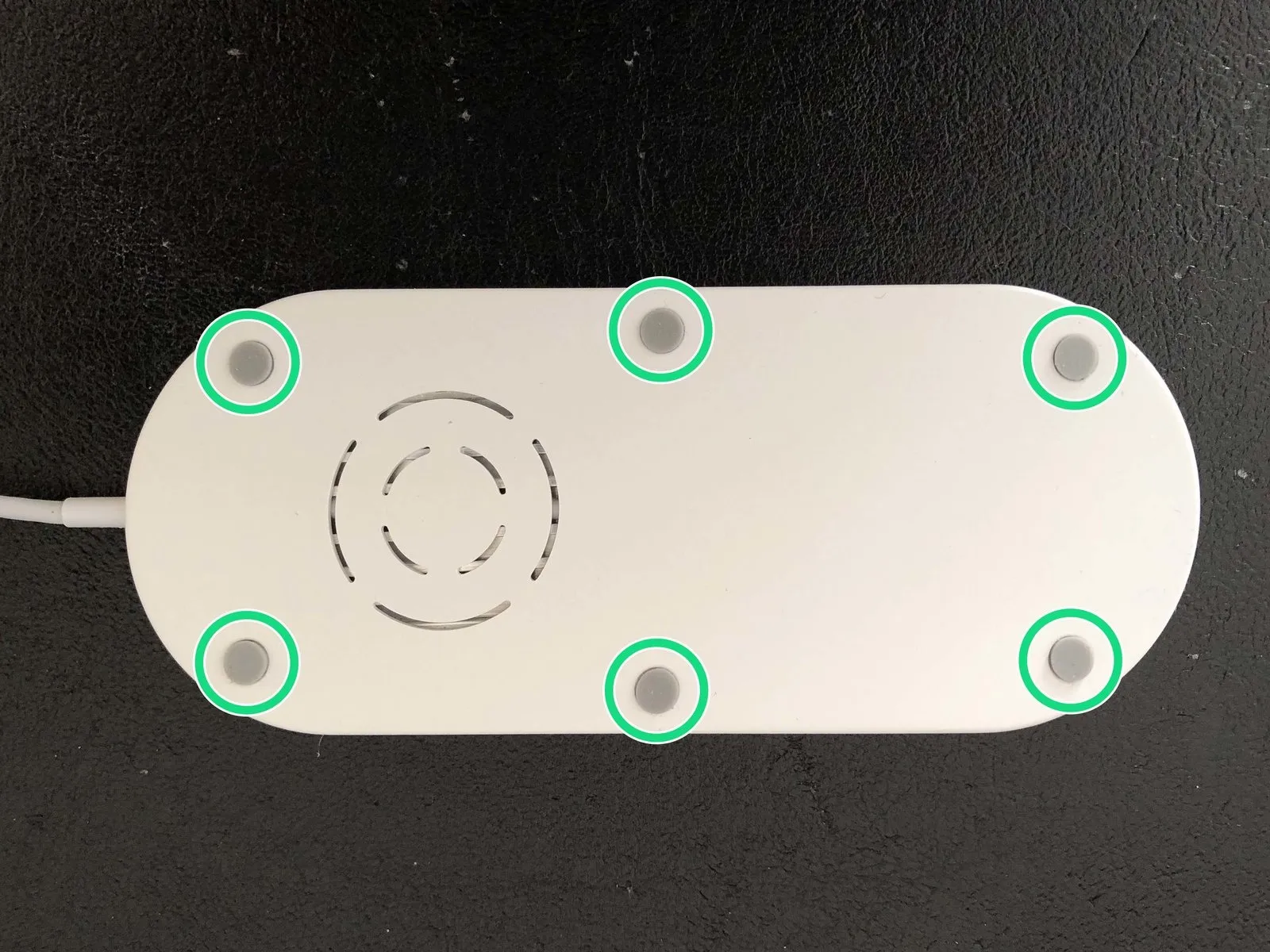
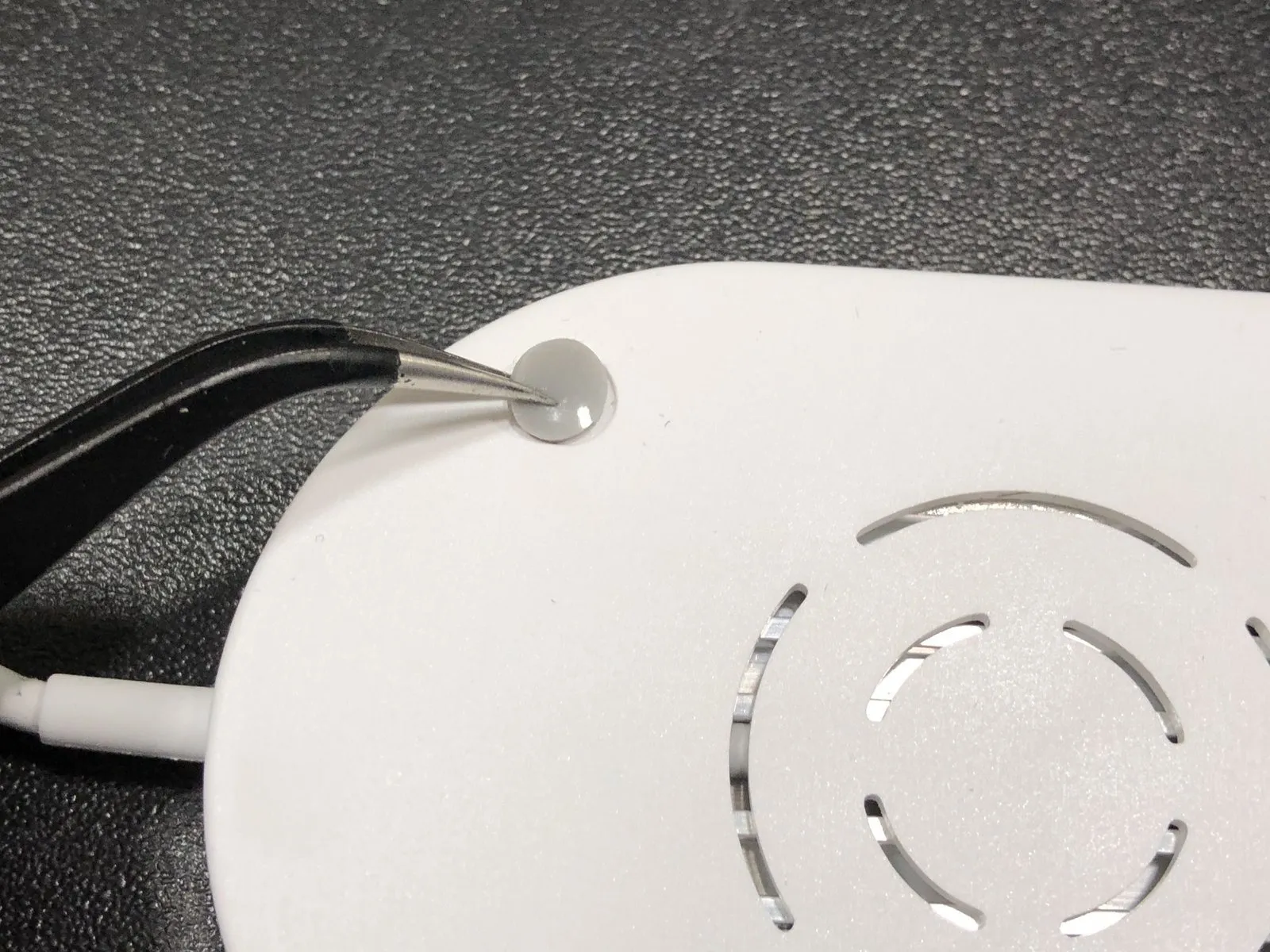
Using tweezers, detach the six rubber feet from the housing, exercising caution to avoid damage.
Step 3
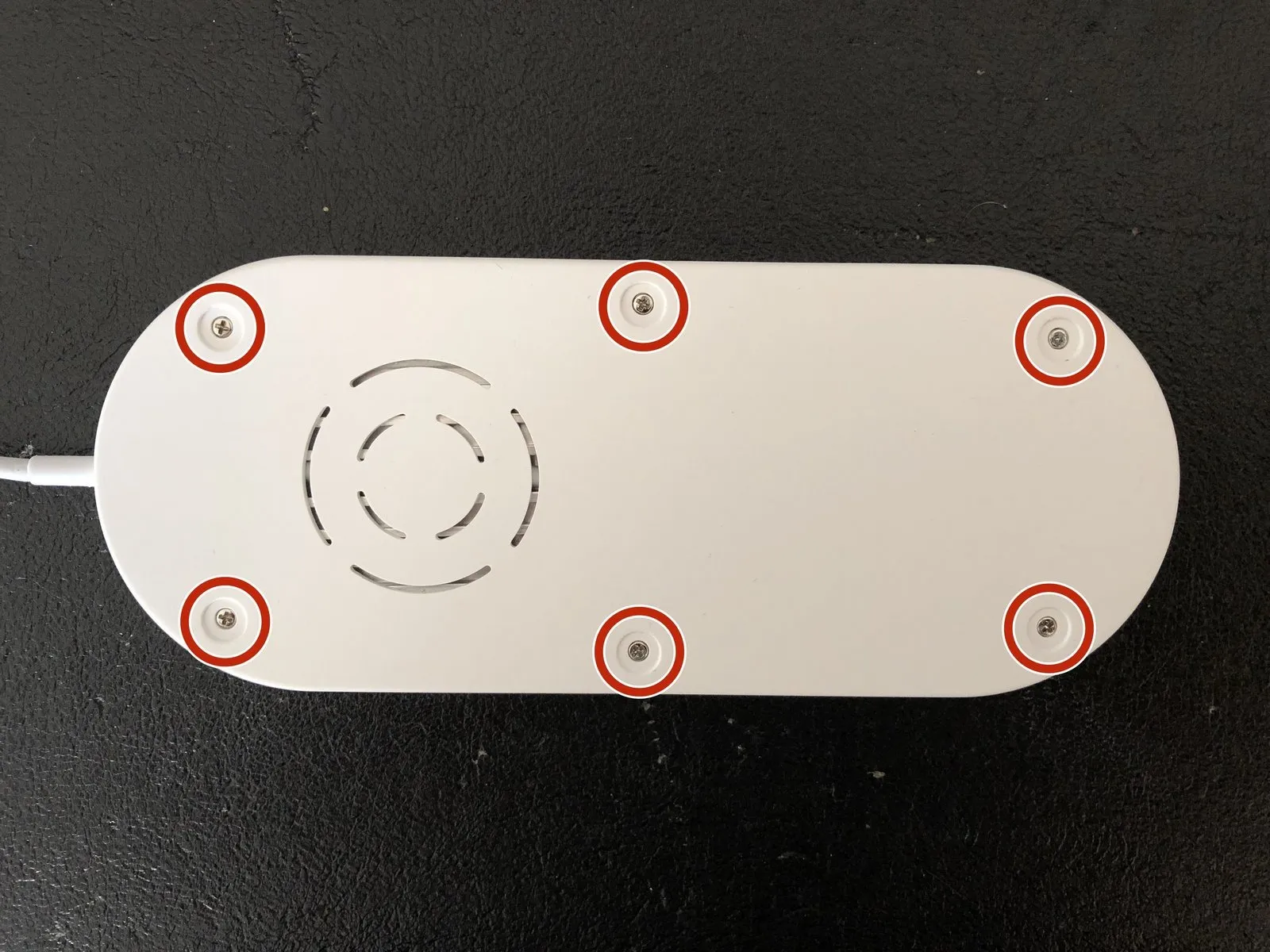
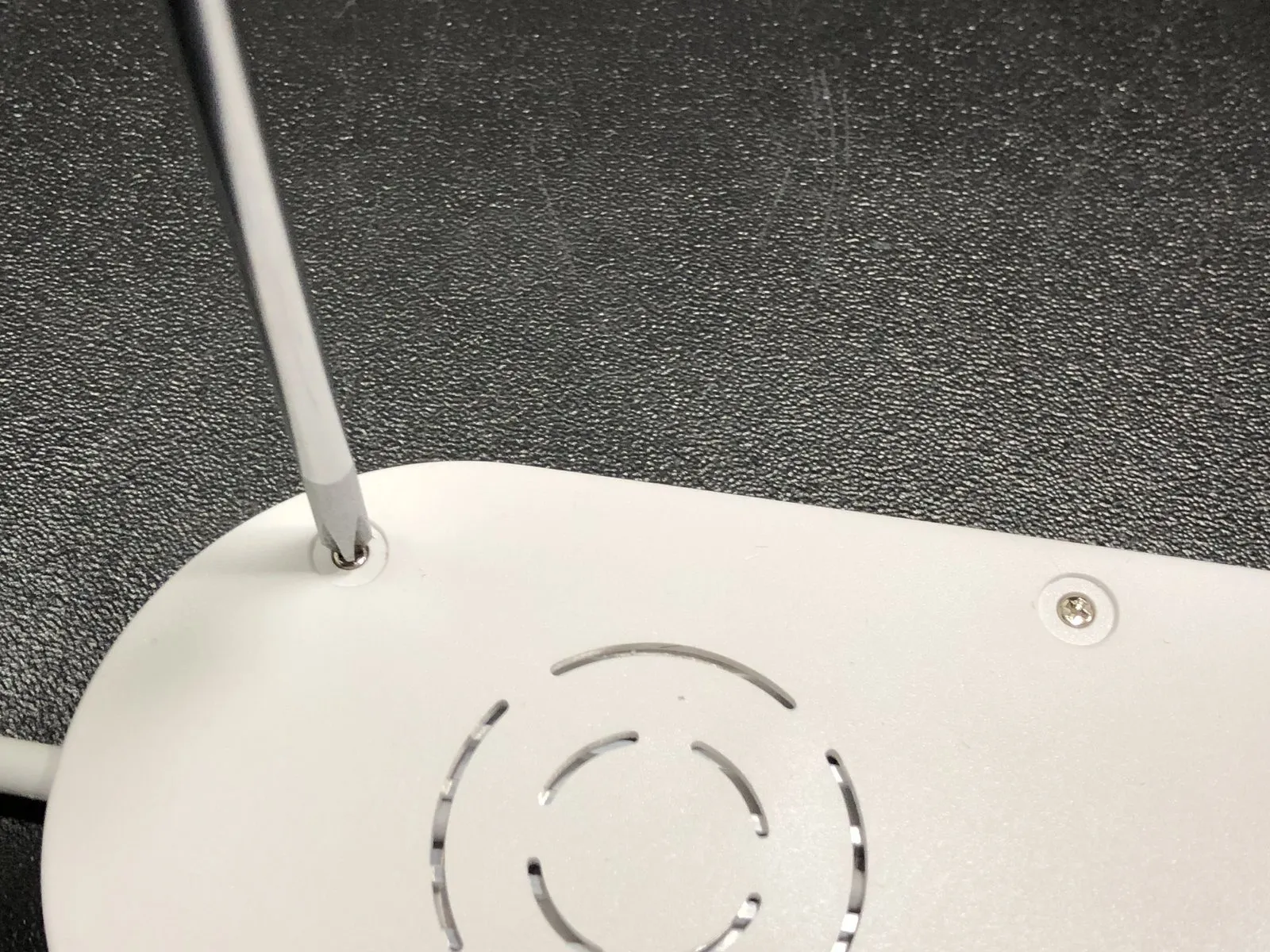
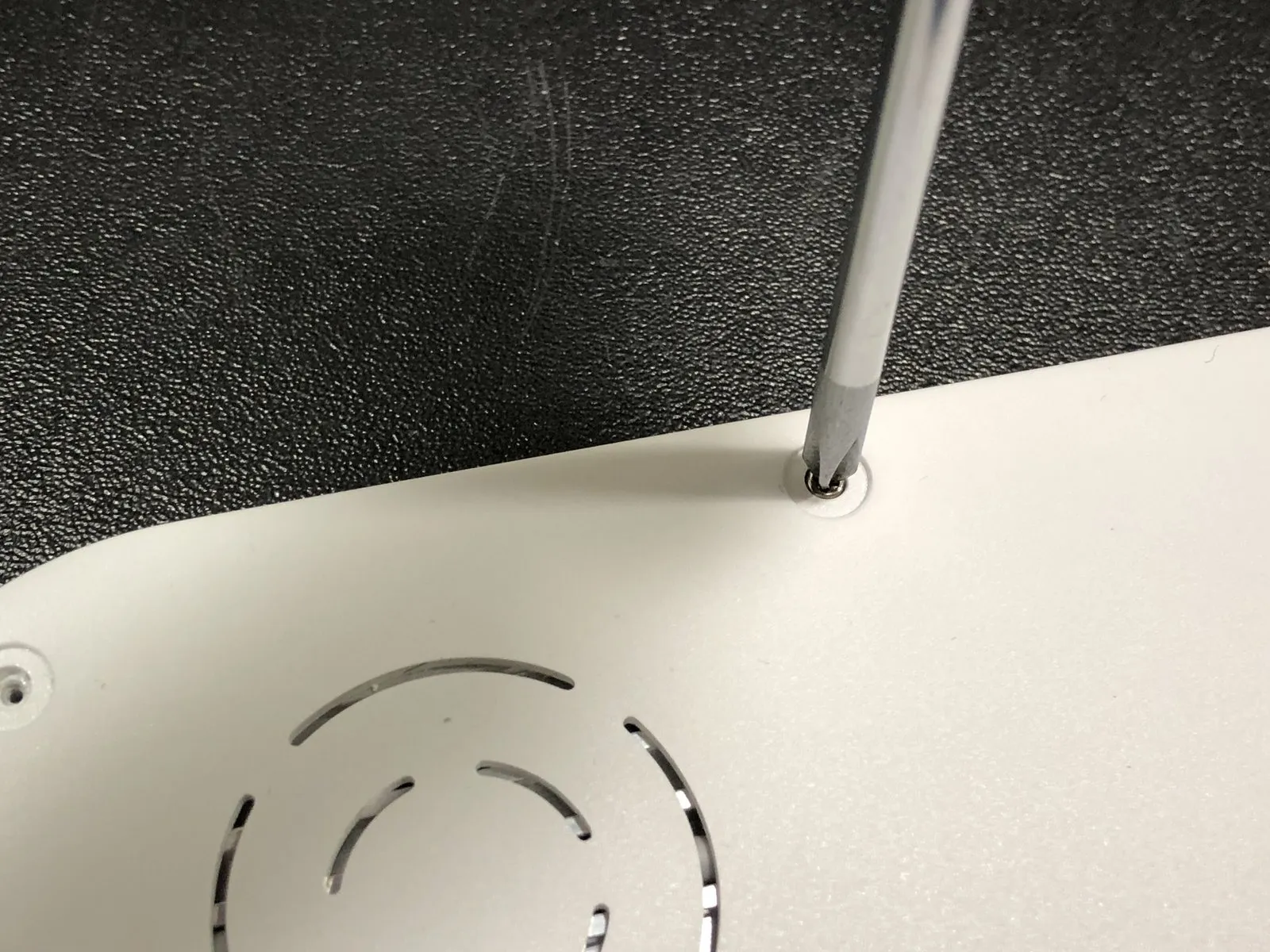
Using a Phillips head screwdriver, detach the six screws, each measuring 5 mm.
Step 4
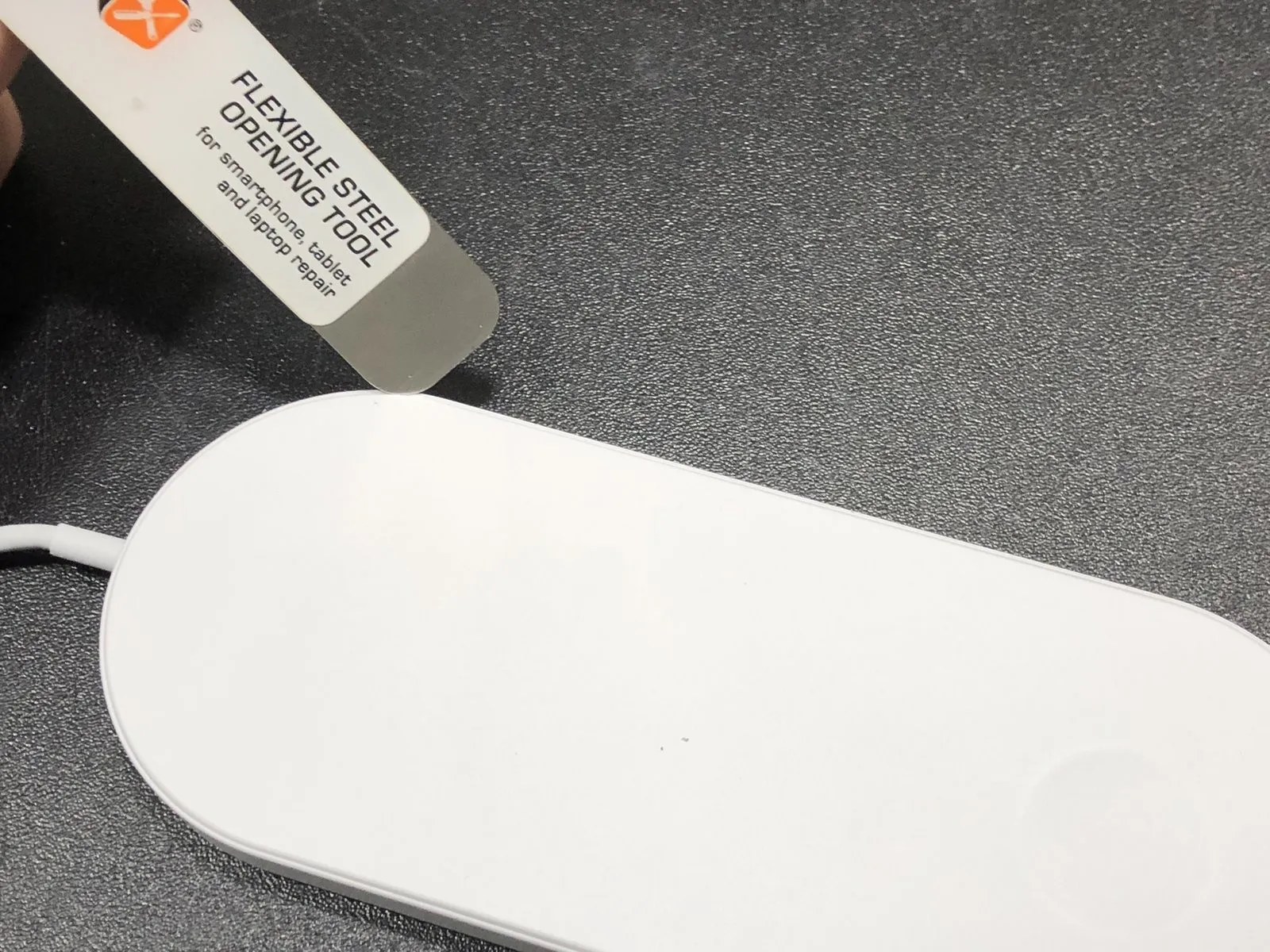
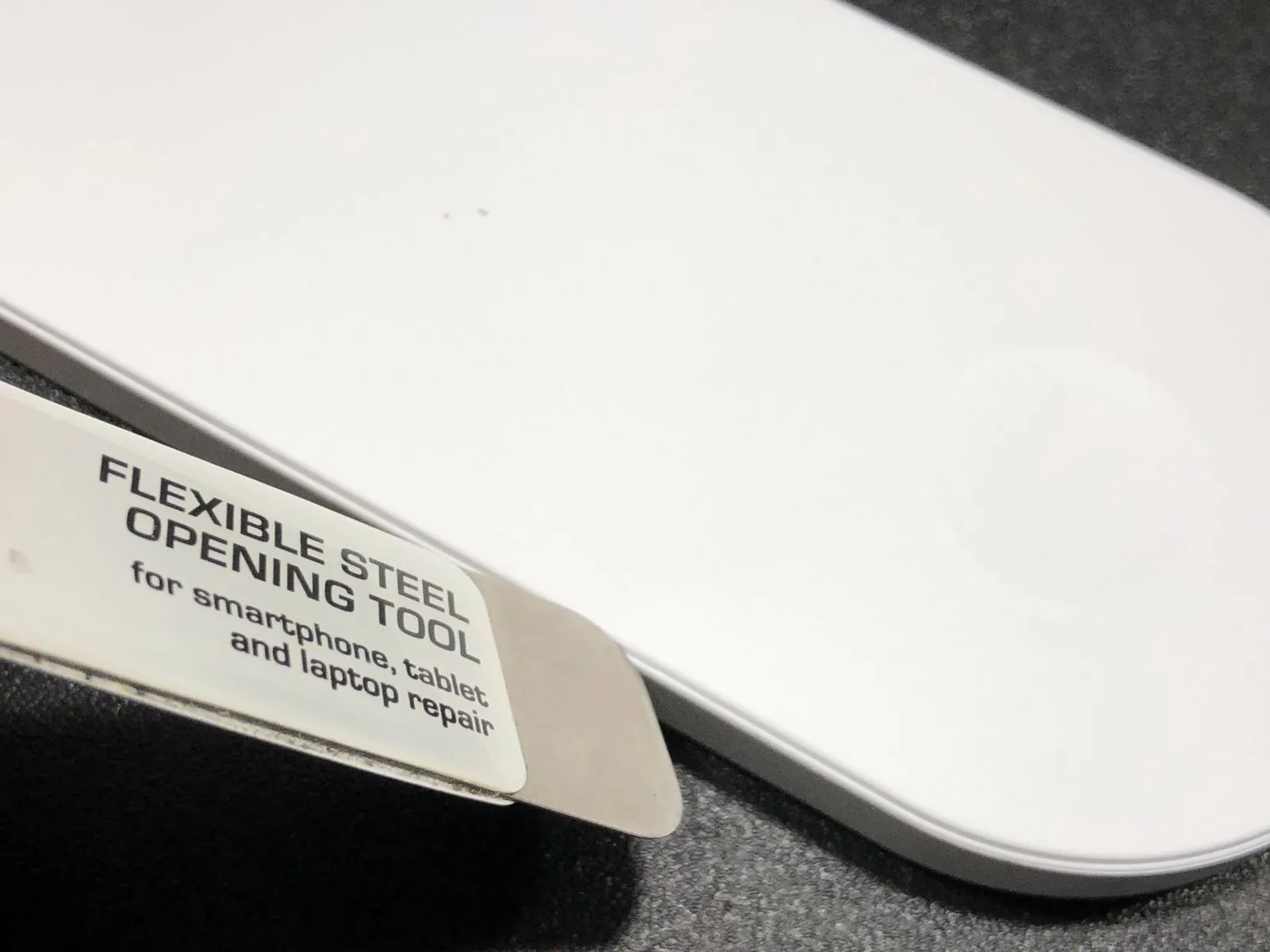
Position the charger so its front face is uppermost, then slide the iSesamo tool into the space.
Step 5
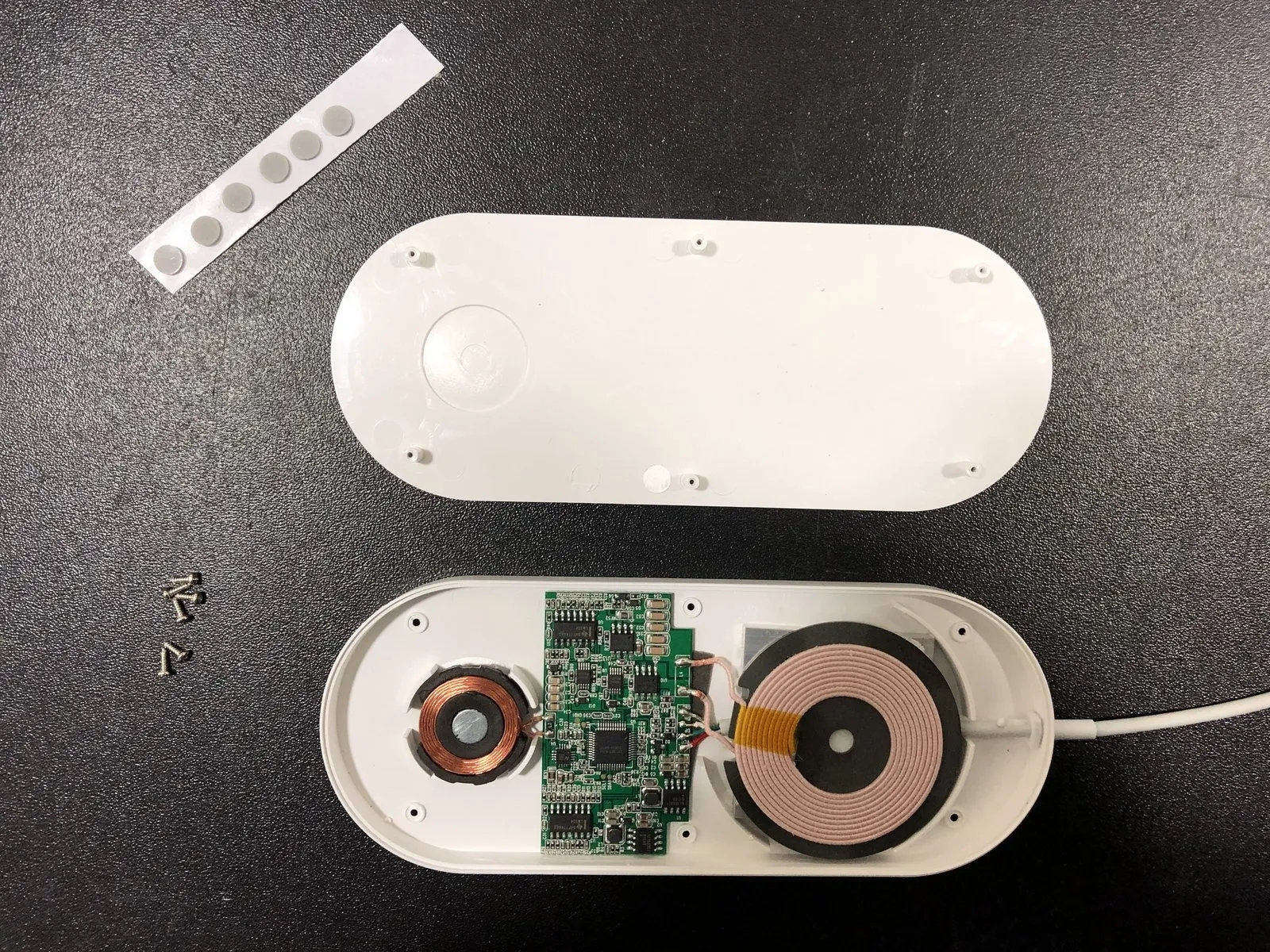
Carefully detach the upper housing from the main chassis.
Step 6

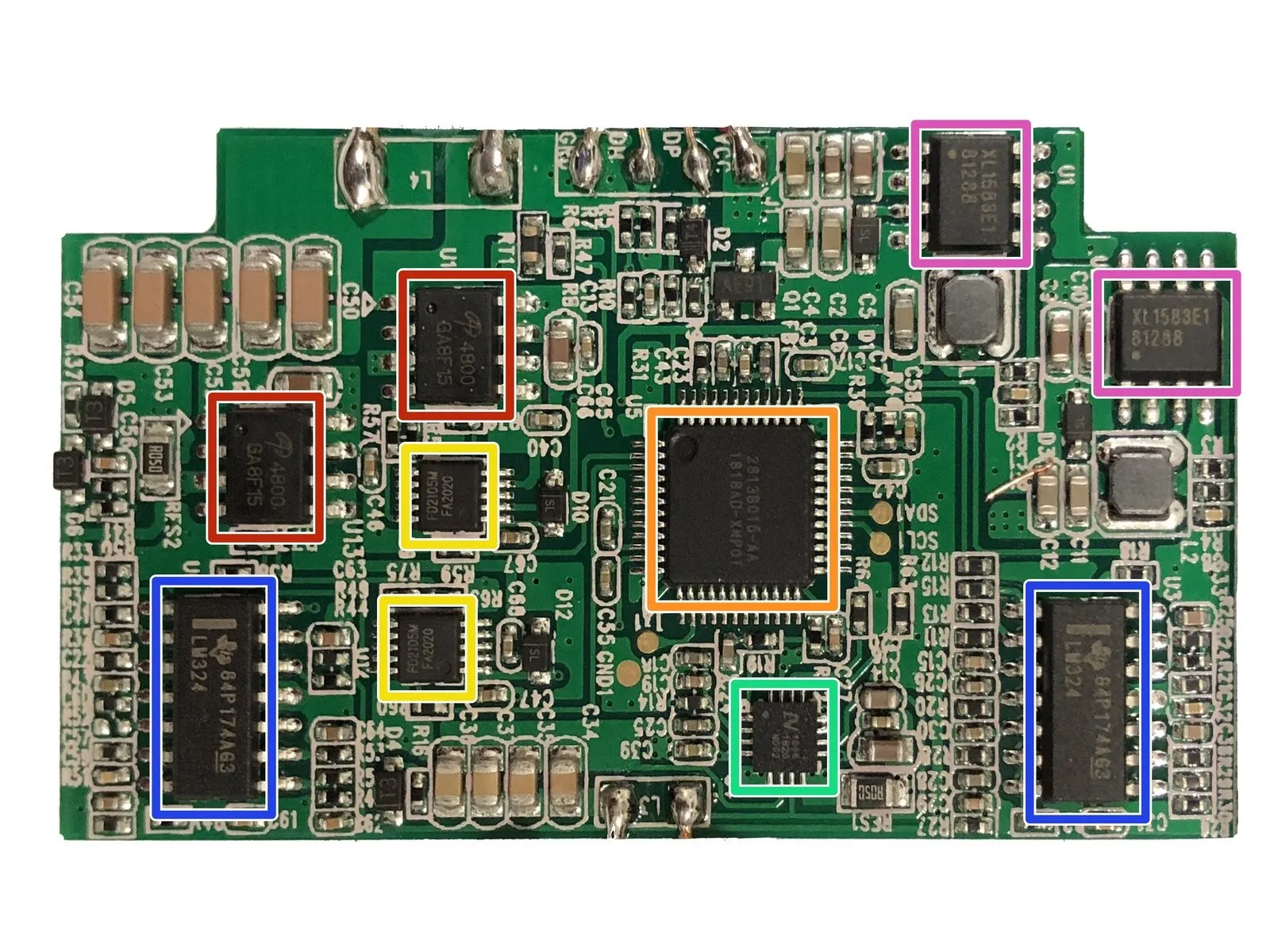
Refer to the 4800 GA8F15 datasheet for specifications and characteristics of the dual N-channel MOSFET.
Refer to the FD2105M FA2020 datasheet for detailed specifications and operational information regarding the half-bridge driver.
Datasheet for the LM324, a component containing four operational amplifiers, identified by part number 84P174A63.
The integrated circuit designated 1818AD-XNPOT is currently unidentifiable; no relevant information is available in online technical documentation.
Refer to the XL1583E1 81288 datasheet for detailed specifications and operational information regarding the buck DC to DC converter.
The integrated circuit, identified as 1006 1820 N002, lacks available documentation or specifications online.
Refer to the FD2105M FA2020 datasheet for detailed specifications and operational information regarding the half-bridge driver.
Datasheet for the LM324, a component containing four operational amplifiers, identified by part number 84P174A63.
The integrated circuit designated 1818AD-XNPOT is currently unidentifiable; no relevant information is available in online technical documentation.
Refer to the XL1583E1 81288 datasheet for detailed specifications and operational information regarding the buck DC to DC converter.
The integrated circuit, identified as 1006 1820 N002, lacks available documentation or specifications online.